One Drive | ARGO
When logging in with a Microsoft account the Personal library section of the Library menu will change. To view all of the different library options visit this article:
Below shows the changes to Personal Library:
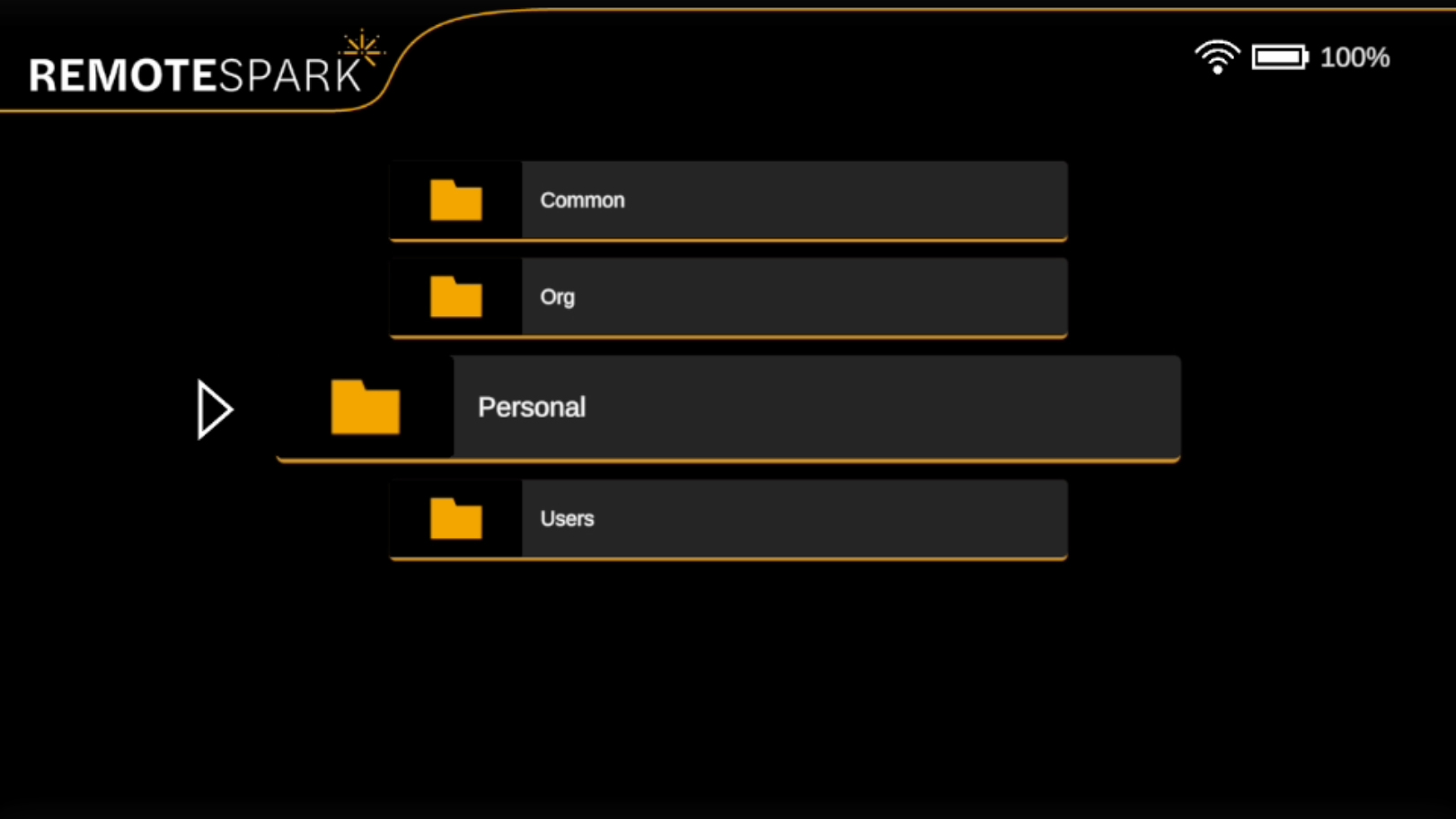 | Personal Library: This folder stores content uploaded by the individual user via the PC app and other options depending on login which method was used. |
| When using a Microsoft Login, the personal library will be slightly different. The first folder will be called My Files, this is where all data that the user has added to their personal library will exist. The second option will be OneDrive, where the user can access their one drive content. | 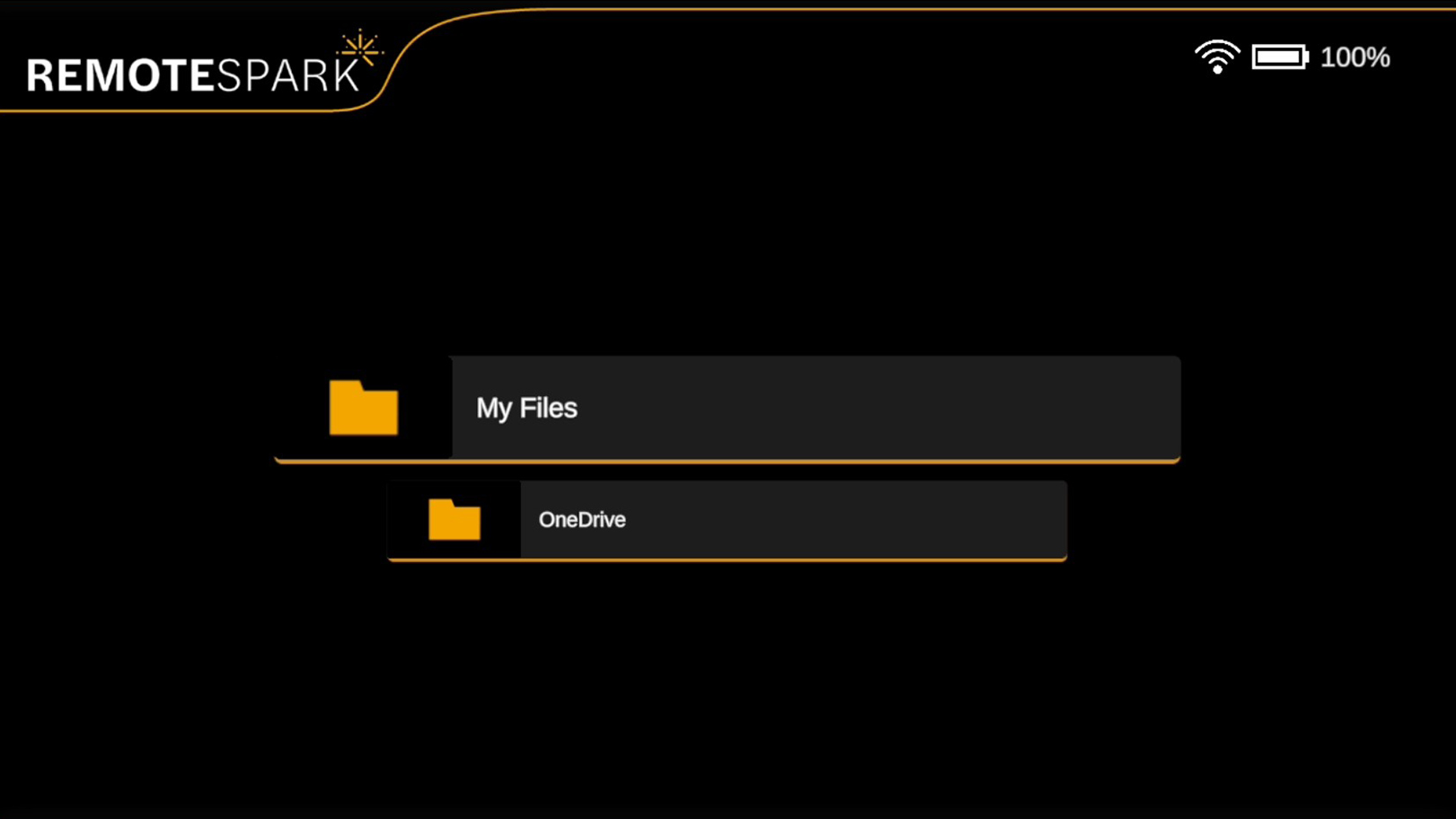 |
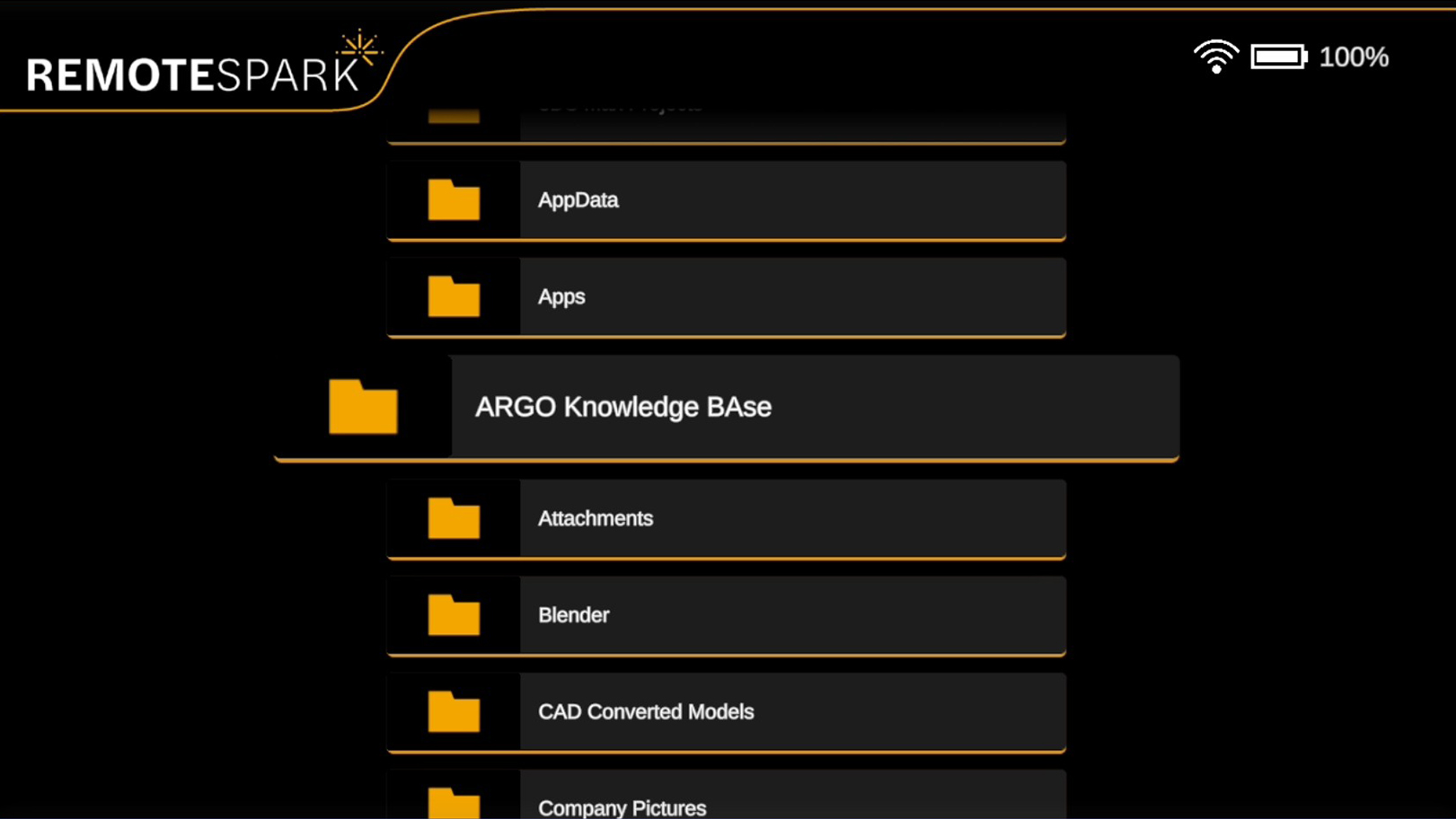 | OneDrive: When selecting OneDrive all folders, PDF's and JPGs located within the OneDrive will be accessible. |
Was this article helpful?
That’s Great!
Thank you for your feedback
Sorry! We couldn't be helpful
Thank you for your feedback
Feedback sent
We appreciate your effort and will try to fix the article