Logging in through a QR code can be much simpler than attempting to type a long username and password by using the scroll wheel. To access this feature, first visit the Remote Spark Portal linked below and select QR Login Generator.
RemoteSpark Portal
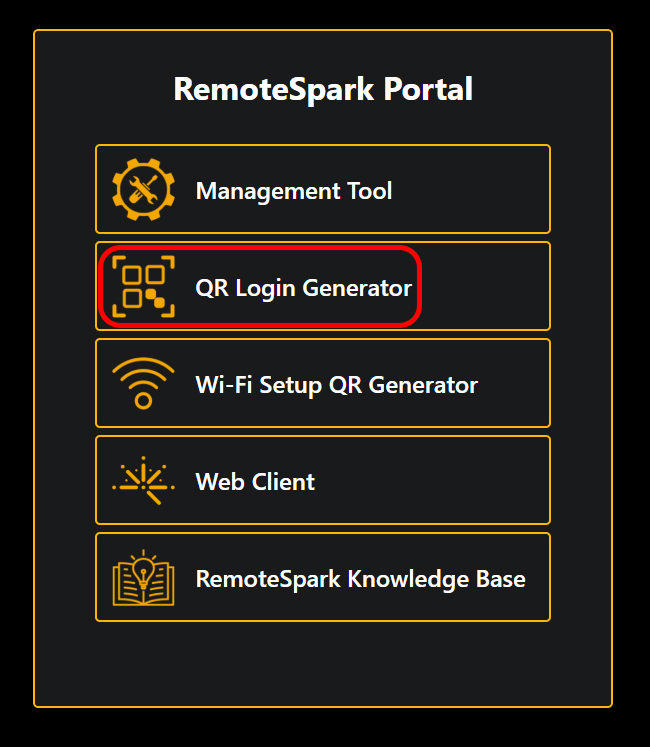
Once selected the user will be brought to the screen below.
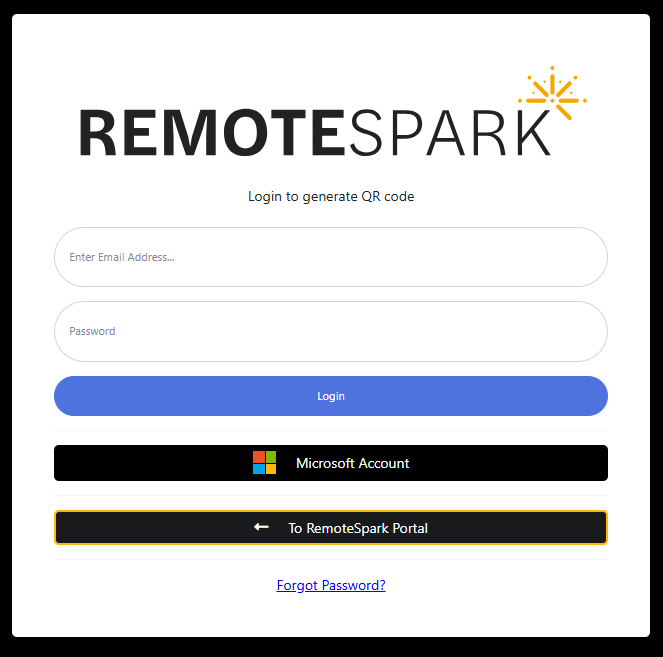
Enter the email and password of the RemoteSpark account you wish to login with, or using the Microsoft Account. Then select Login.
If credentials were successful a QR code will appear on screen. For more information on login in the ARGO via this QR code see the article linked below:
Was this article helpful?
That’s Great!
Thank you for your feedback
Sorry! We couldn't be helpful
Thank you for your feedback
Feedback sent
We appreciate your effort and will try to fix the article