RemoteSpark | Requesting a Video Call
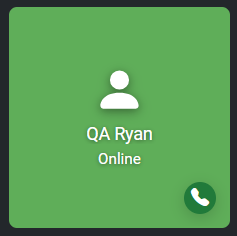
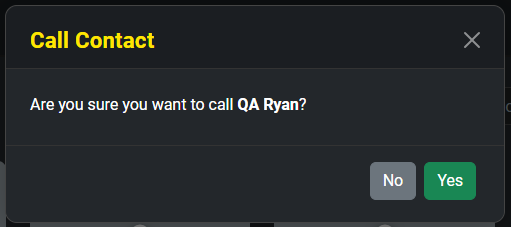
To request a call with an online user, hover over the user's tile and click the green call button (phone icon) that appears. Once selected a pop-up will appear asking the user if they want to start a call with the selected contact. This will send a request to the user who can then accept or decline the request.
Was this article helpful?
That’s Great!
Thank you for your feedback
Sorry! We couldn't be helpful
Thank you for your feedback
Feedback sent
We appreciate your effort and will try to fix the article