Logging into RemoteSpark | WEB
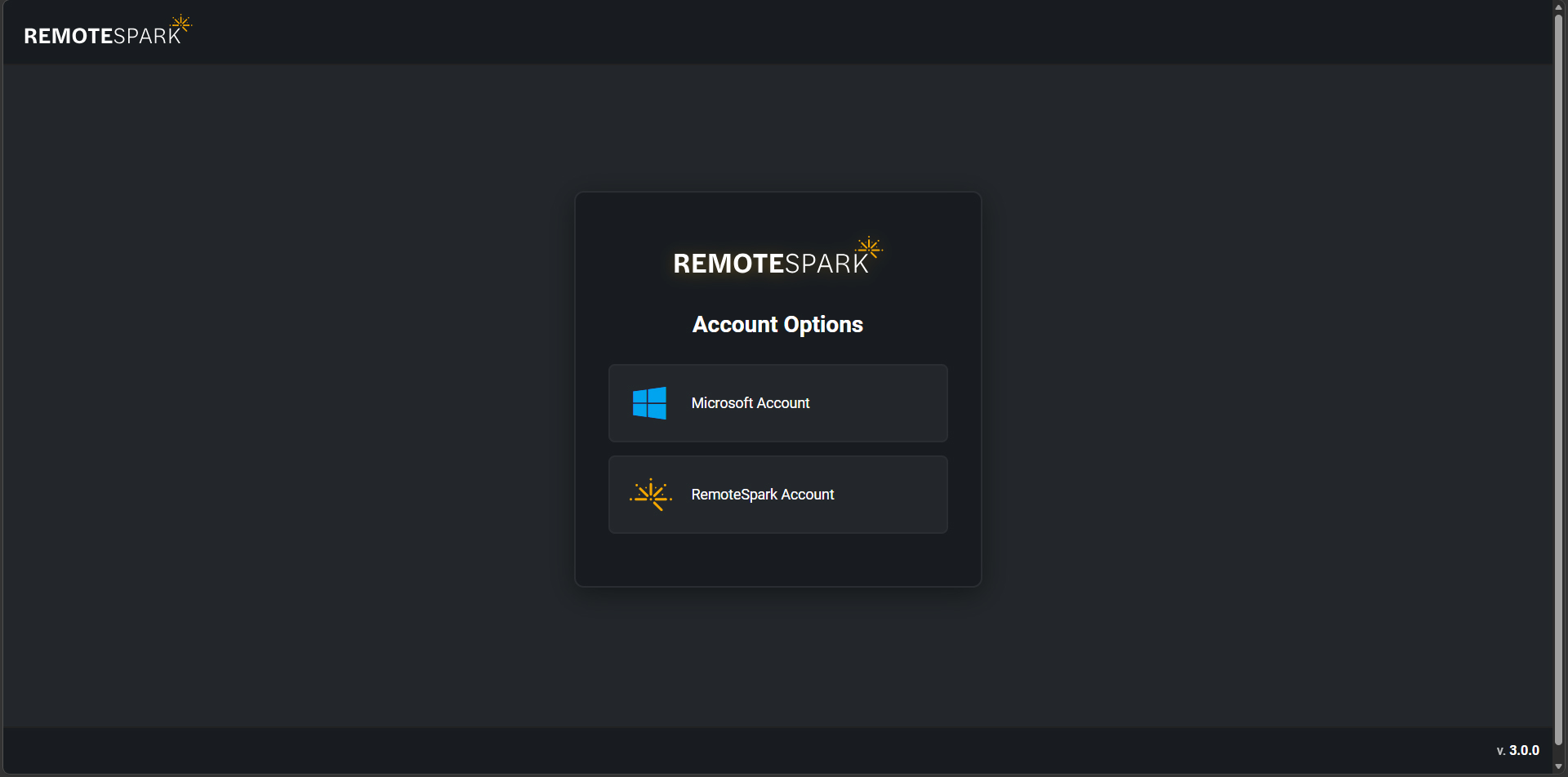 | Upon visiting RemoteSpark website, users will be greeted with an account options screen. The two options here are Microsoft Account and RS Account. For the purpose of moving forward the guide will select the second option. |
| To proceed enter the email and password. If the user does not have an account, the user should reach out to their organization admin to have one provisioned. | 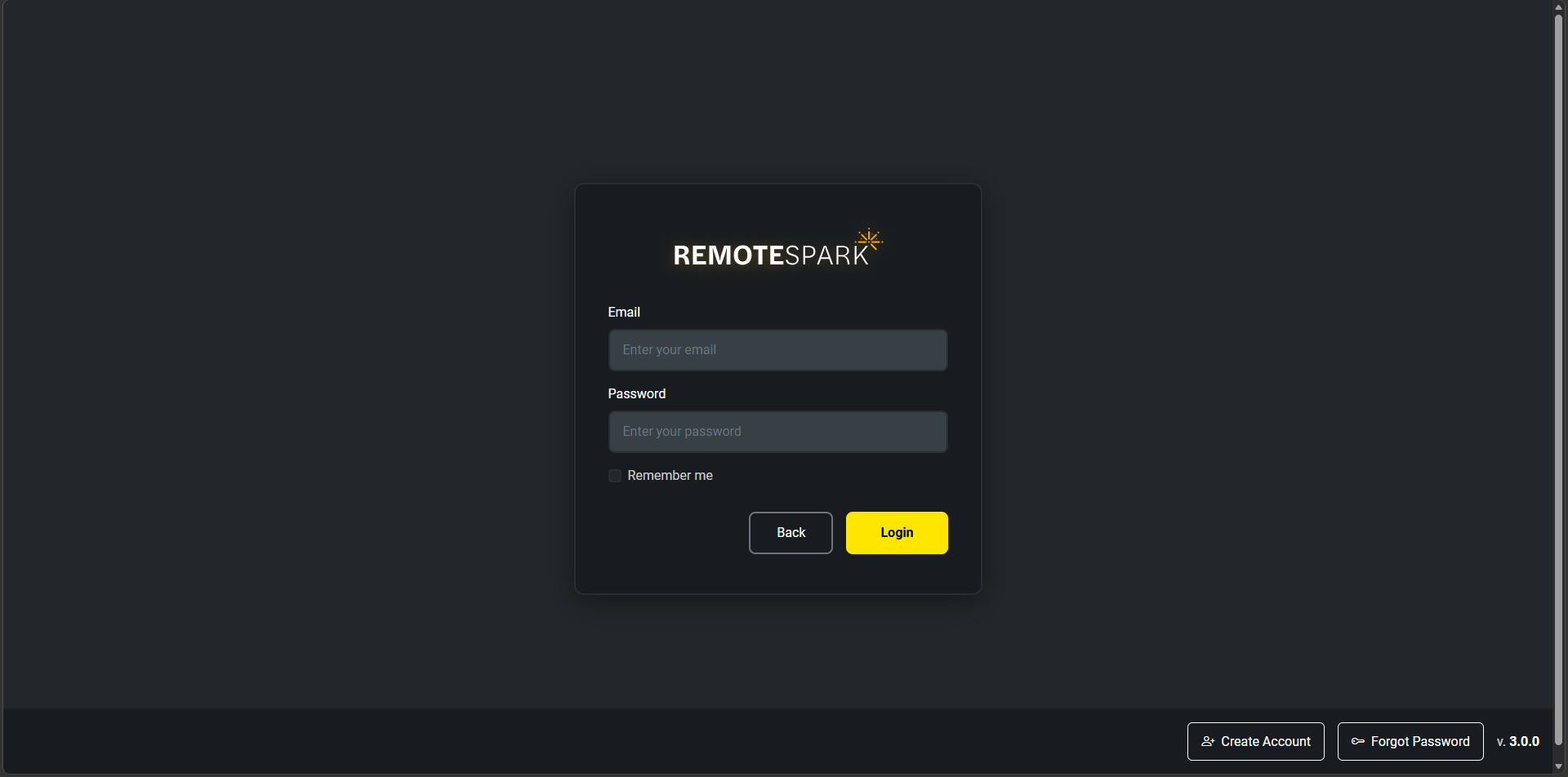 |
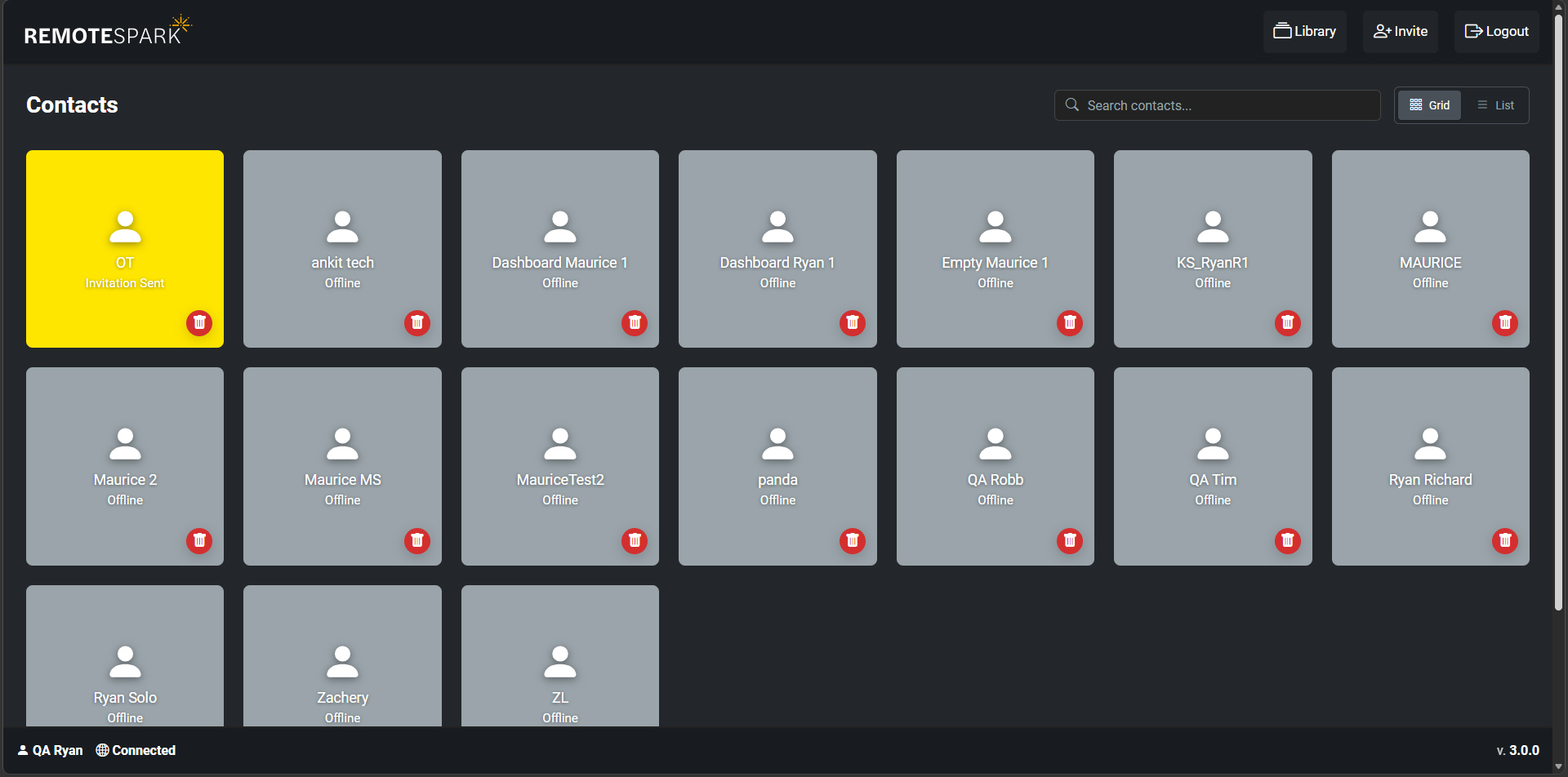 | Once logged in the user will be presented with the home page that includes all their contacts, connected info along the bottom and various options along the top such as Library, Invite, and Logout |
Was this article helpful?
That’s Great!
Thank you for your feedback
Sorry! We couldn't be helpful
Thank you for your feedback
Feedback sent
We appreciate your effort and will try to fix the article