RemoteSpark | Viewing Content
Through the RemoteSpark web application users are able to open and view the various content within their libraries, such as PDF and even 3D Content. Simply select the piece of content you wish to view and a new window will open displaying said content.
RemoteSpark | Viewing PDF
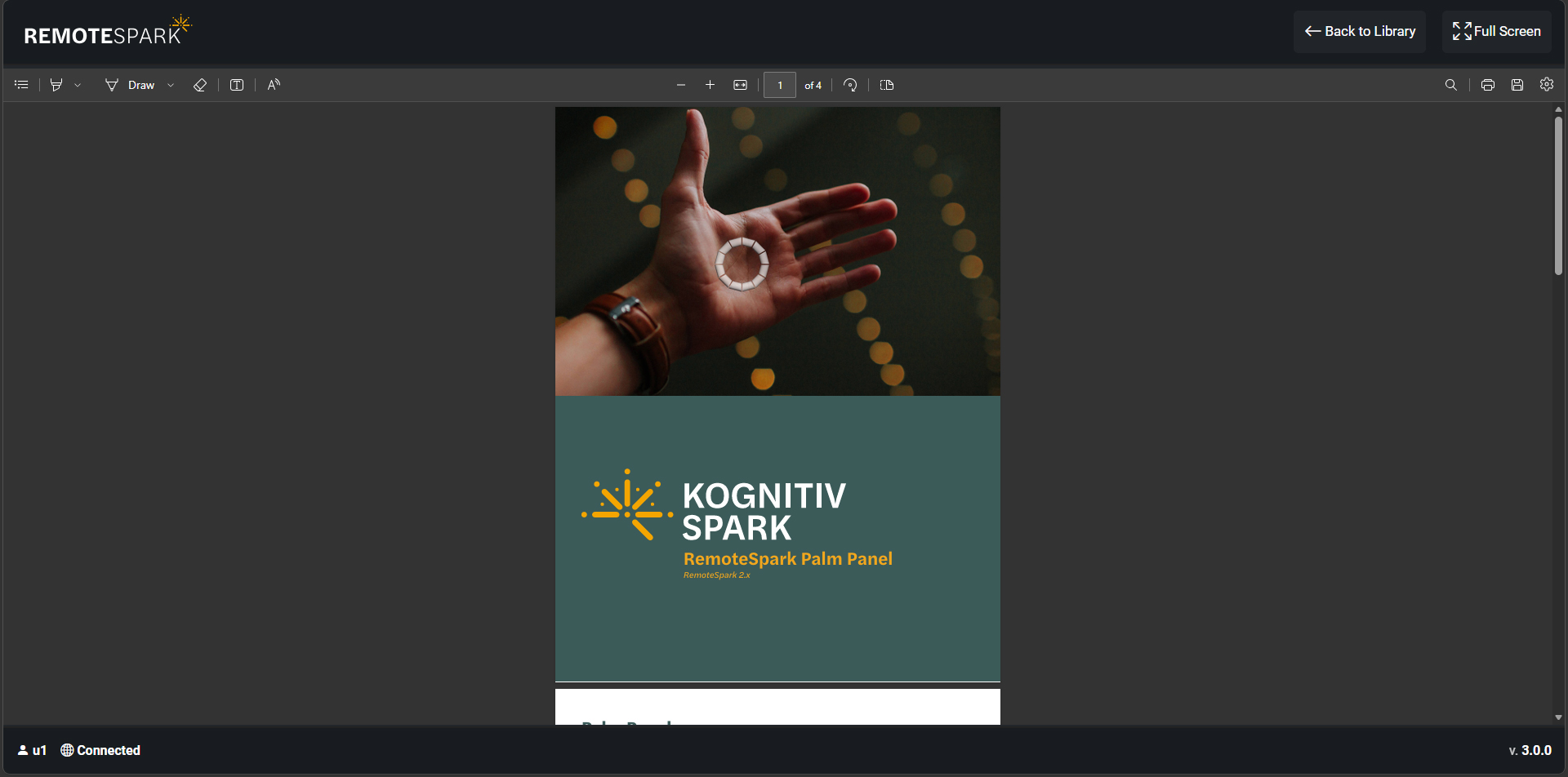
When opening a PDF users are able to scroll, zoom and fully navigate the PDF. By selecting the the draw option on the top left, users are able to edit and draw on the PDF then save it.
RemoteSpark | Viewing 3D Models
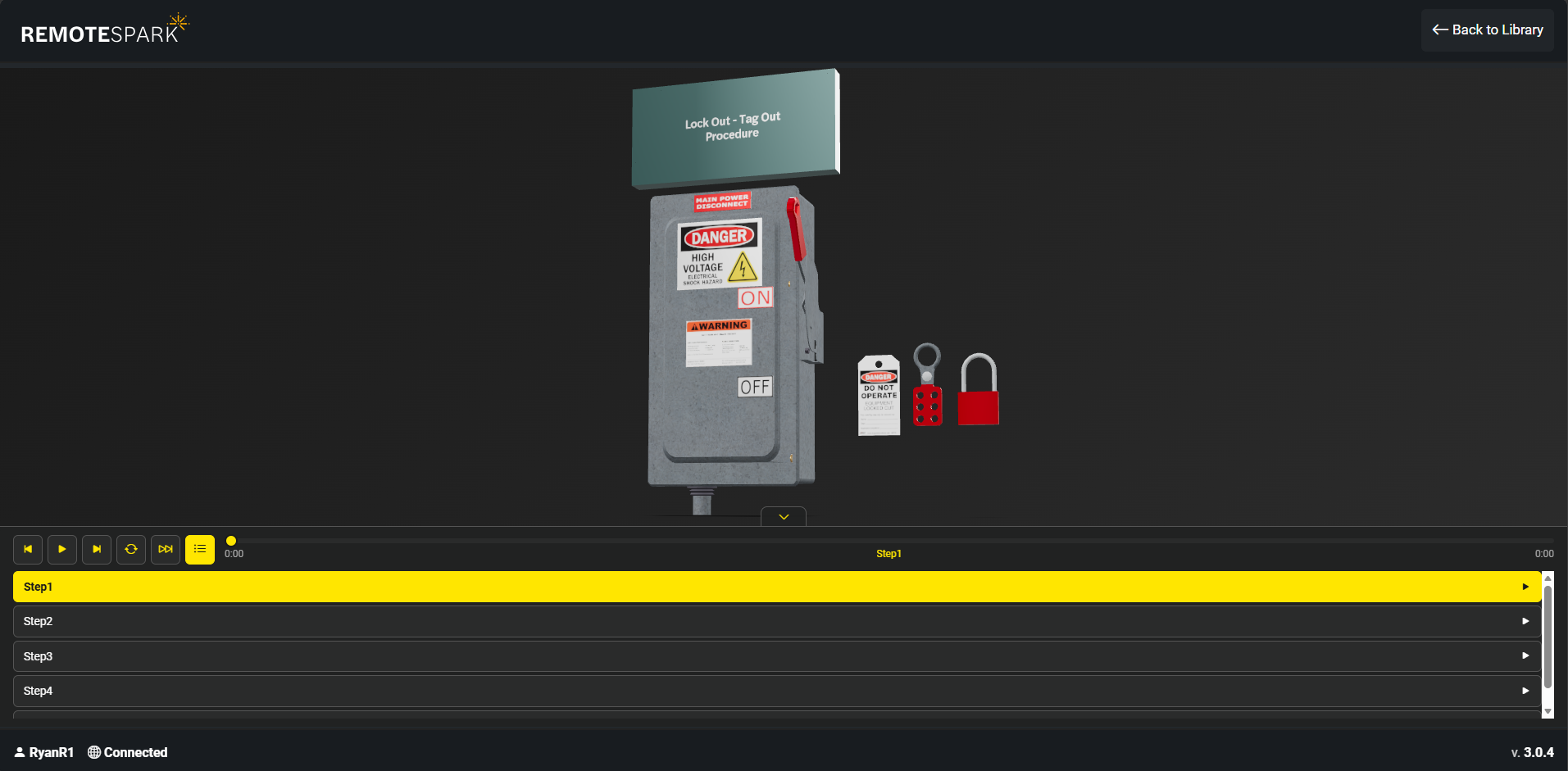
When opening a 3D model, users are able to pan, zoom and navigate around the 3D models. Through the bottom menu, users are also able to play the animation, and view/play the various stepped animation in the list.
Was this article helpful?
That’s Great!
Thank you for your feedback
Sorry! We couldn't be helpful
Thank you for your feedback
Feedback sent
We appreciate your effort and will try to fix the article