RemoteSpark | Deleting Assets
Using the RemoteSpark web application, users can delete assets from their Personal Library, My Photos, or assets shared with other users. Users can also delete assets from the org Library if given permission.
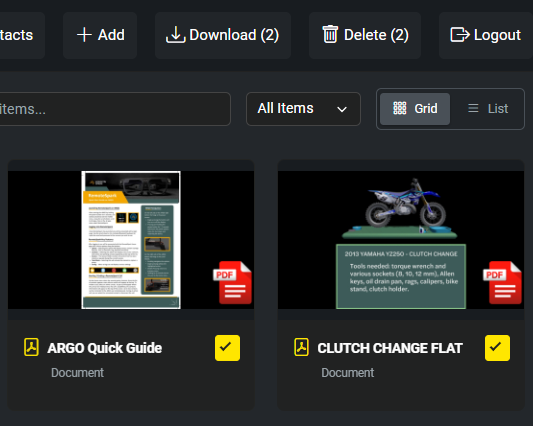
Navigate to the correct Library and find the asset that you wish to delete. Select the assets you wish to delete by selecting and check marking the squares on each content. Once everything is selected, click on Delete in the top right.
Was this article helpful?
That’s Great!
Thank you for your feedback
Sorry! We couldn't be helpful
Thank you for your feedback
Feedback sent
We appreciate your effort and will try to fix the article