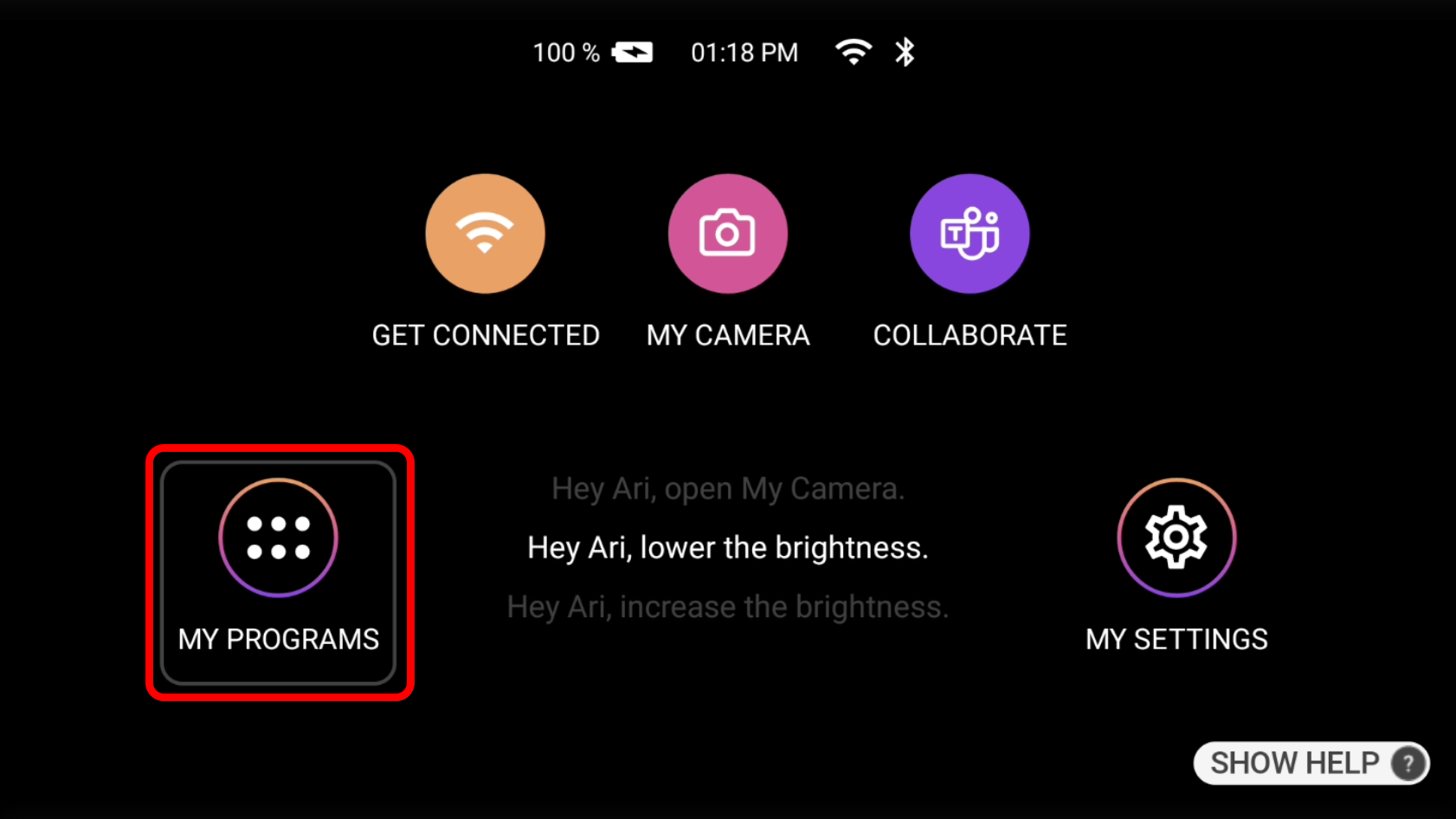
 | To check for updates on the device, first visit the home screen by saying “Navigate Home” if not already there. Next say “My Programs”. |
| On the new page that appears, say “Next Page” or “Previous Page” and find wireless update option. Before proceeding make sure the device is connected to the internet and above 30% batter. Then simply say “Wireless Update” to enter then next menu. | 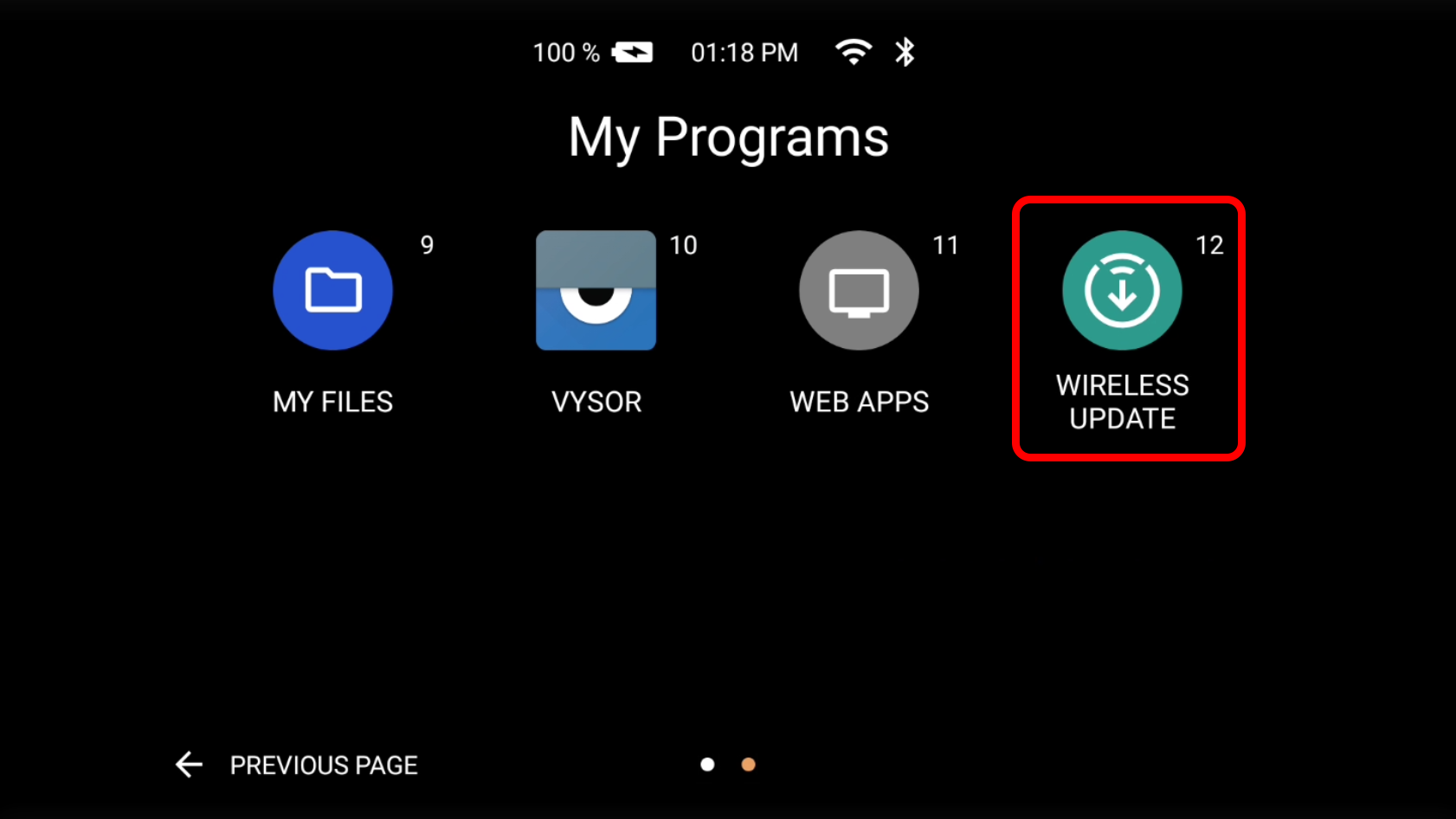 |
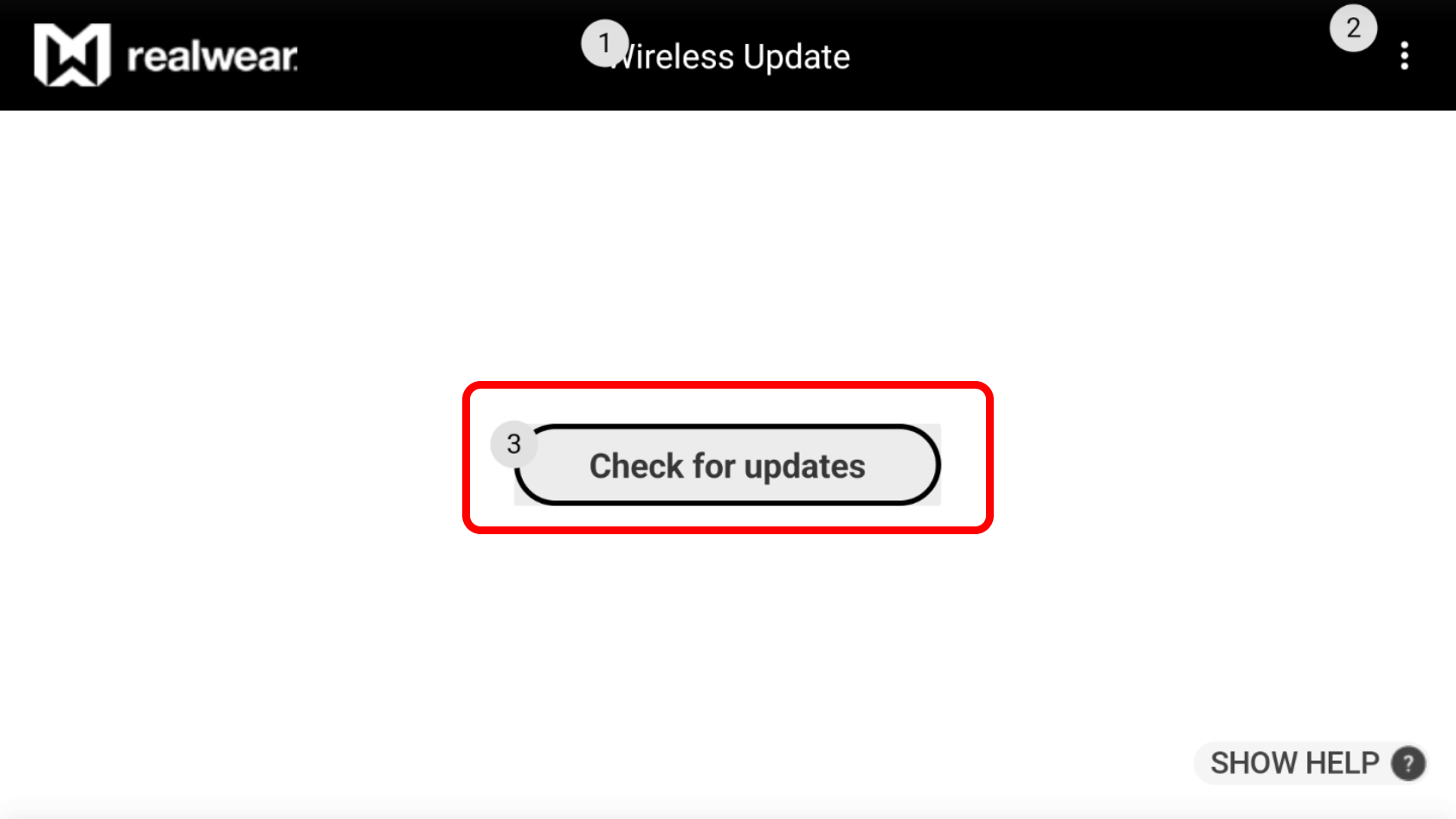 | In the new menu say “Check for updates” the device will then check for any updates and let you know it updating or if it is already up to date. |
Was this article helpful?
That’s Great!
Thank you for your feedback
Sorry! We couldn't be helpful
Thank you for your feedback
Feedback sent
We appreciate your effort and will try to fix the article