Settings | RS 2D
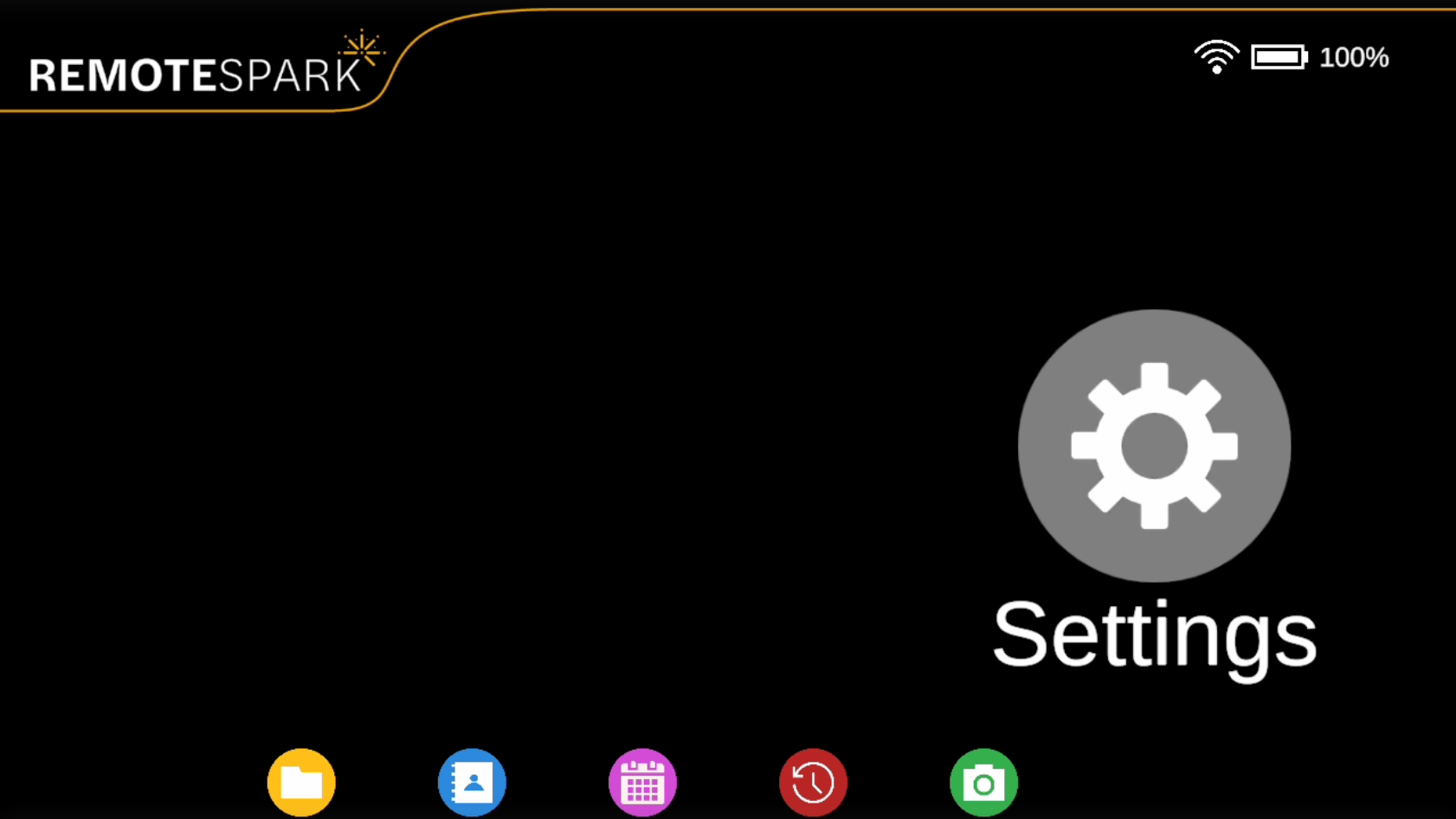 | The sixth and last option on the home menu is Settings, where various settings can be adjusted. |
| Logout: Allows the user to log out of RemoteSpark. | 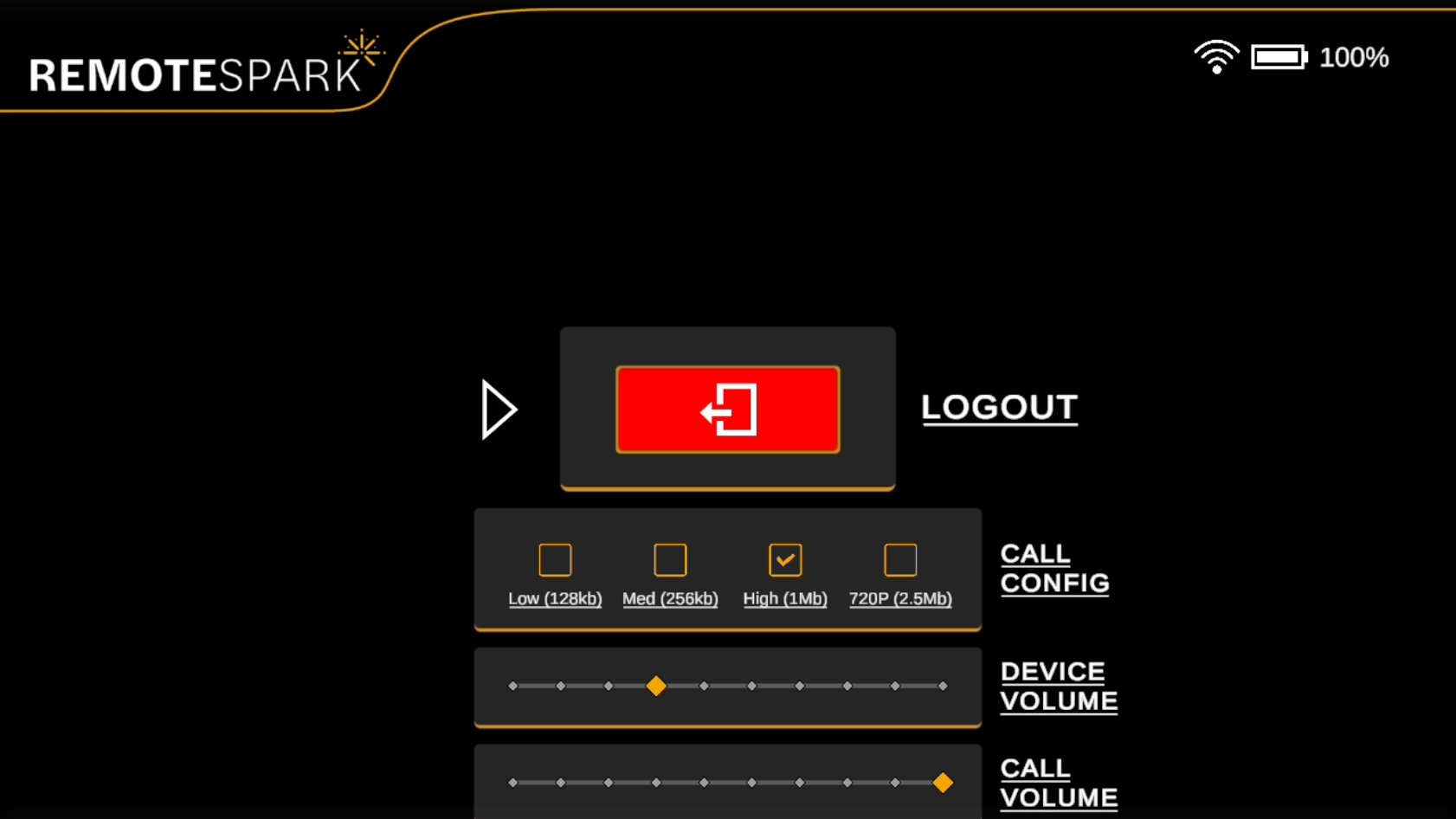 |
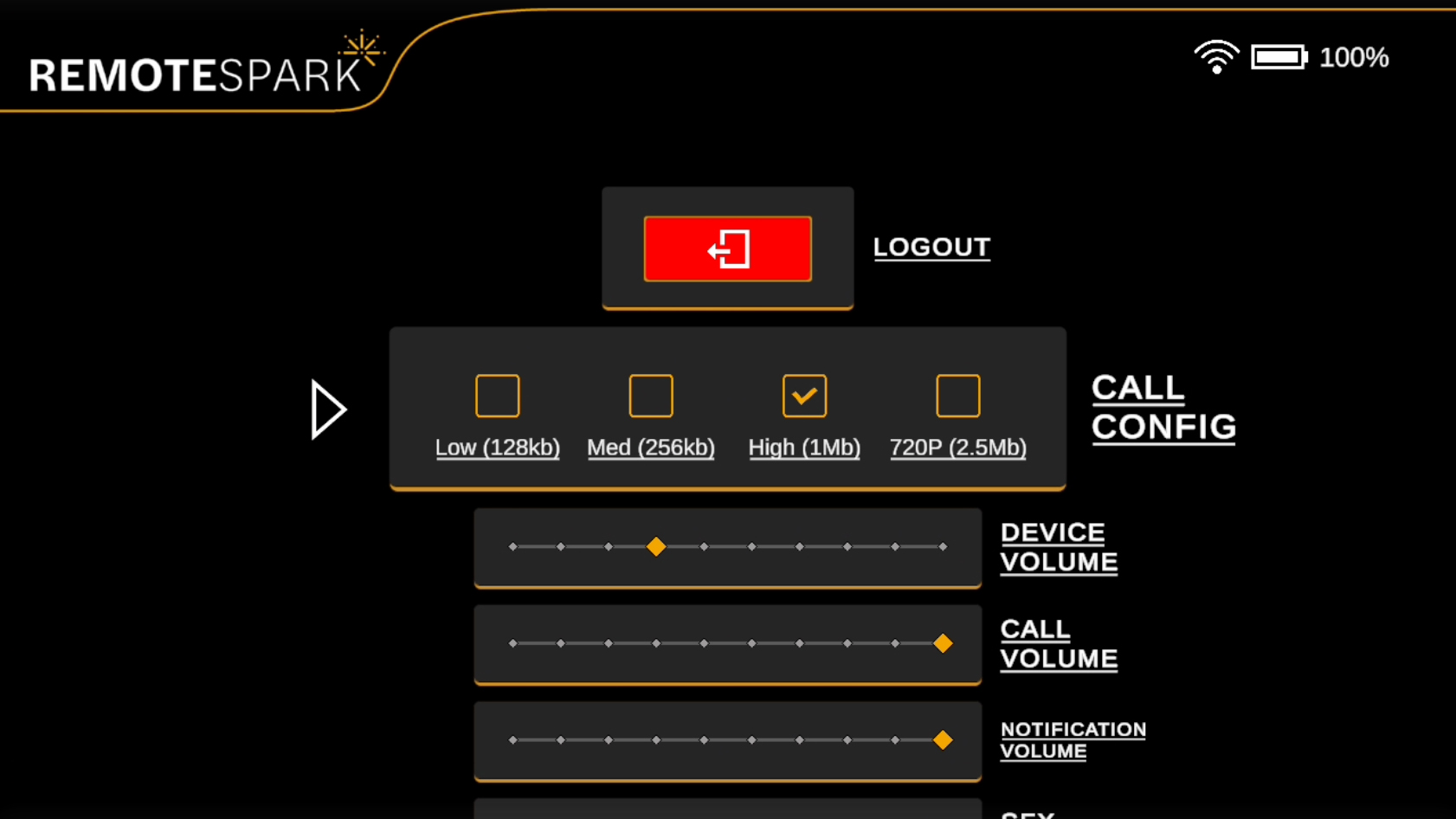 | Call Config: Offers settings for max bandwidth and resolution during calls. These changes must be applied before initiating a call to take effect. |
| Volume Settings: Adjustable sliders for device volume, call volume, notification volume, and system sound effects (SFX). These can be customized according to user preferences. | 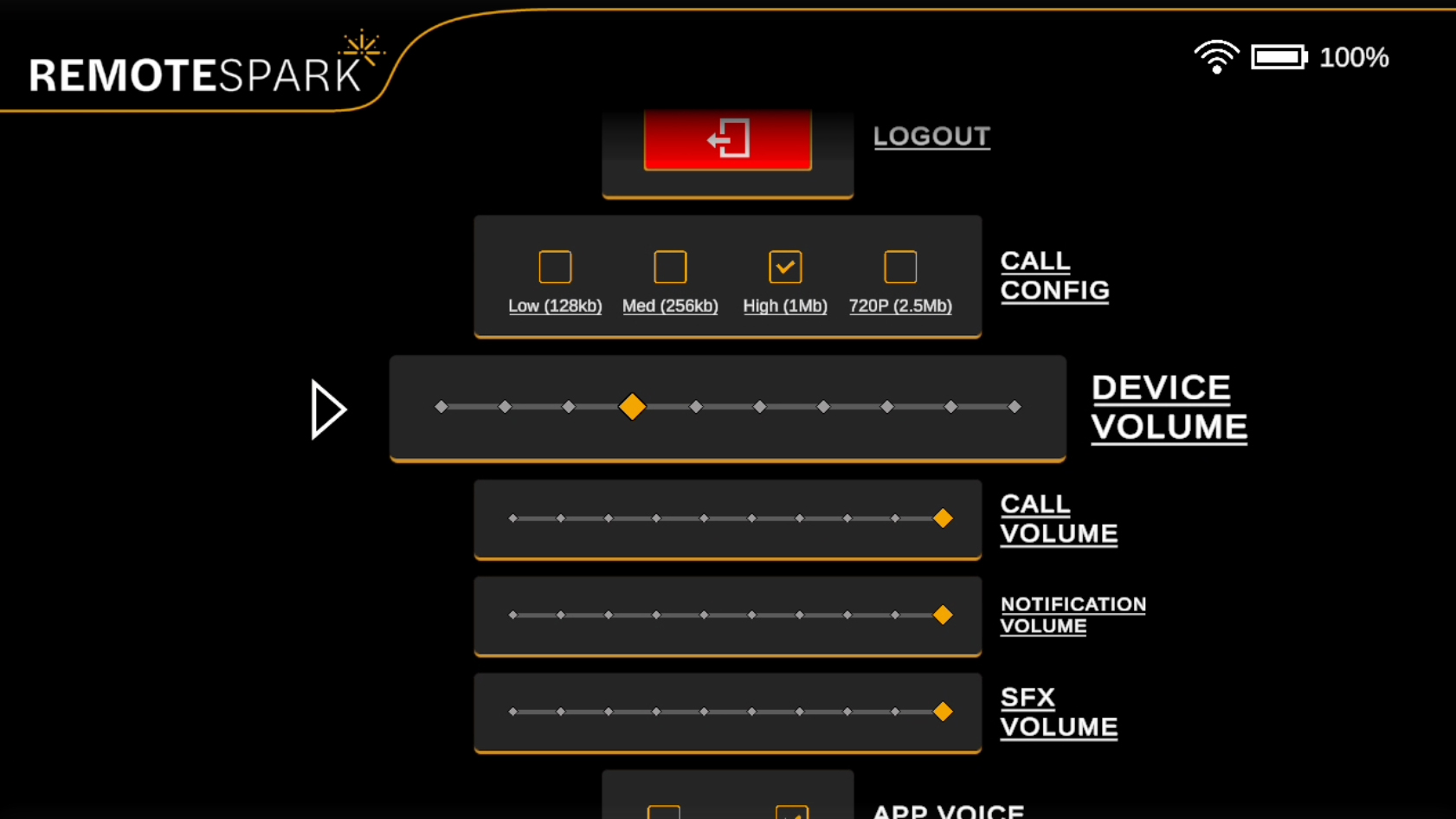 |
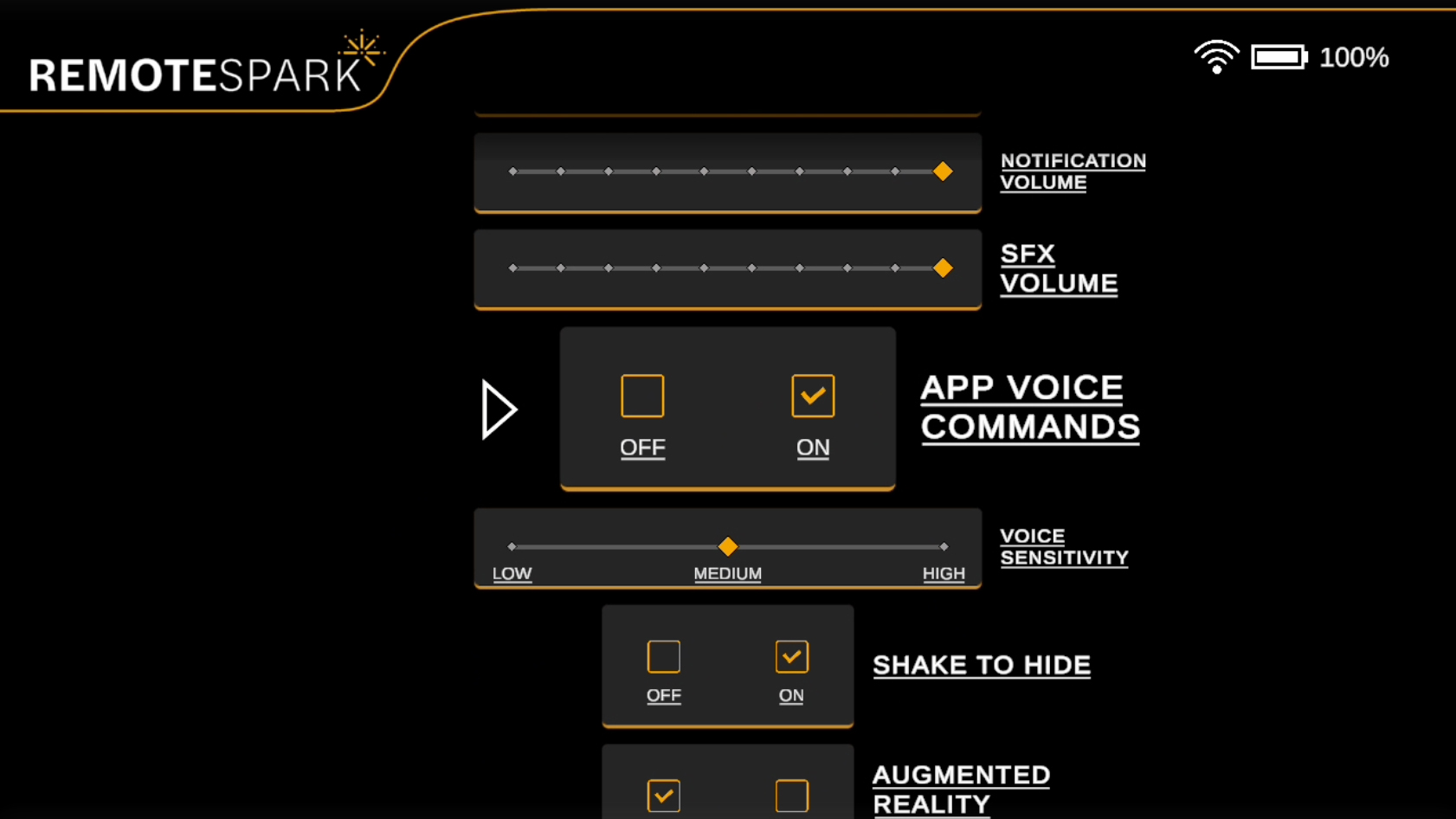 | App Voice Commands: Toggle the RemoteSpark voice commands on or off. Note that this will not affect the ARGO DigiOS voice commands. Note: This will not affect the ARGO DigiOS voice commands. |
| Voice Sensitivity: Adjust the sensitivity of the RemoteSpark voice commands. | 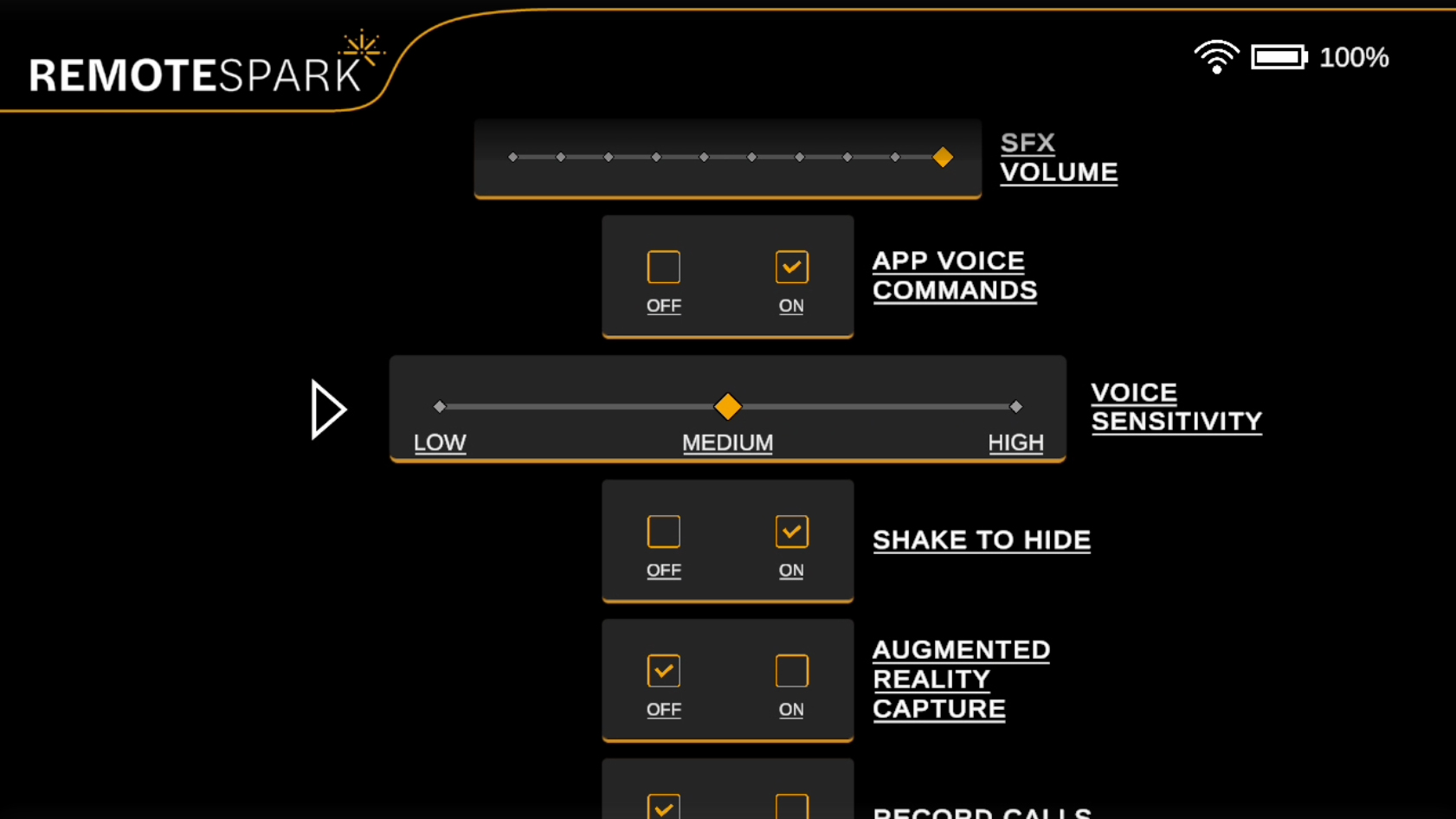 |
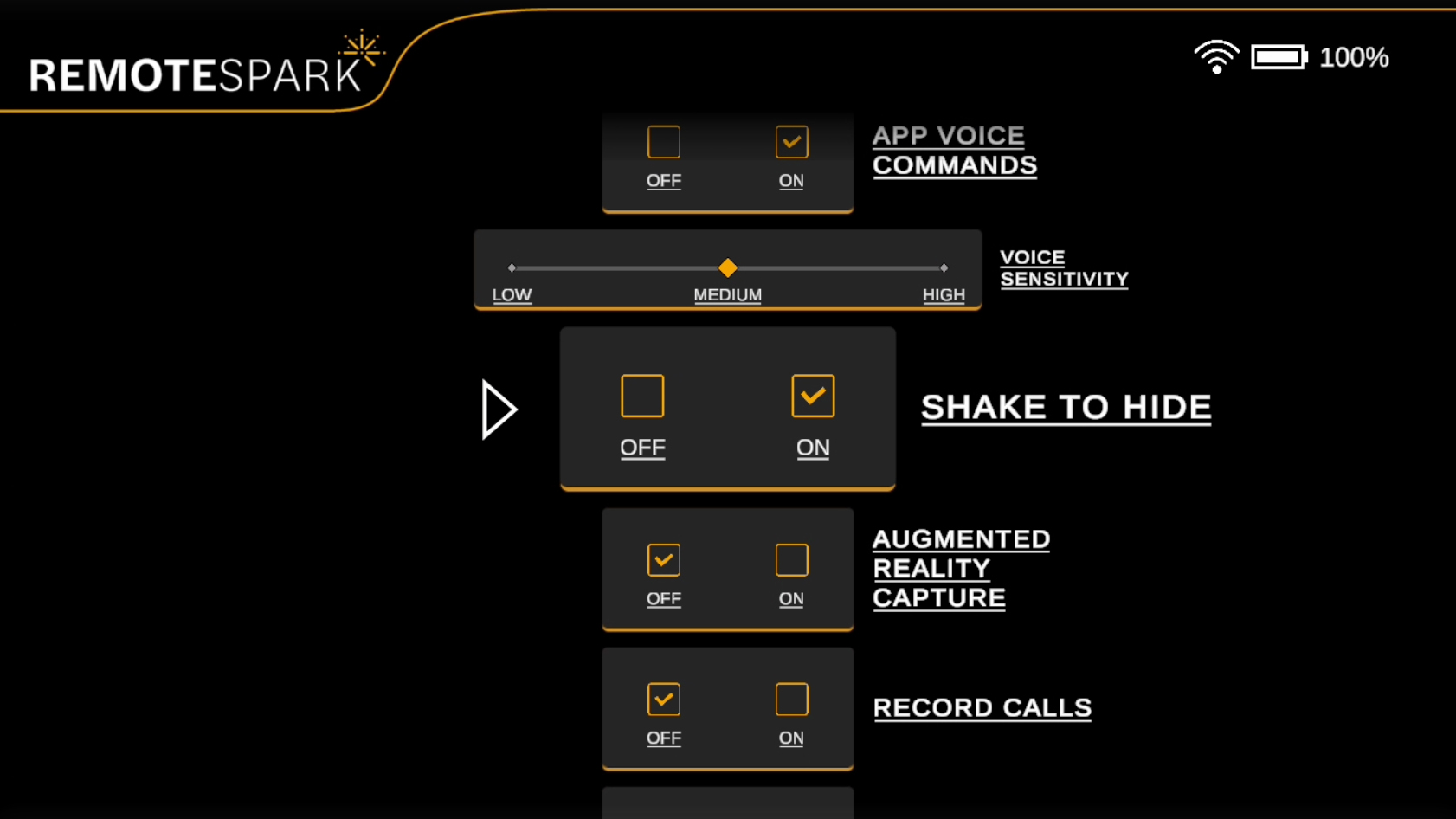 | Shake to Hide: This feature enables the user to quickly hide or show the display by shaking their head side to side three times. This is particularly useful for managing PDF or image content that could be obstructing vision. |
| Augmented Reality capture (ARC): Allows the user to toggle ARC on or off. ARC allows the expert on the PC or Web to visually see the content that the remote user is viewing. | 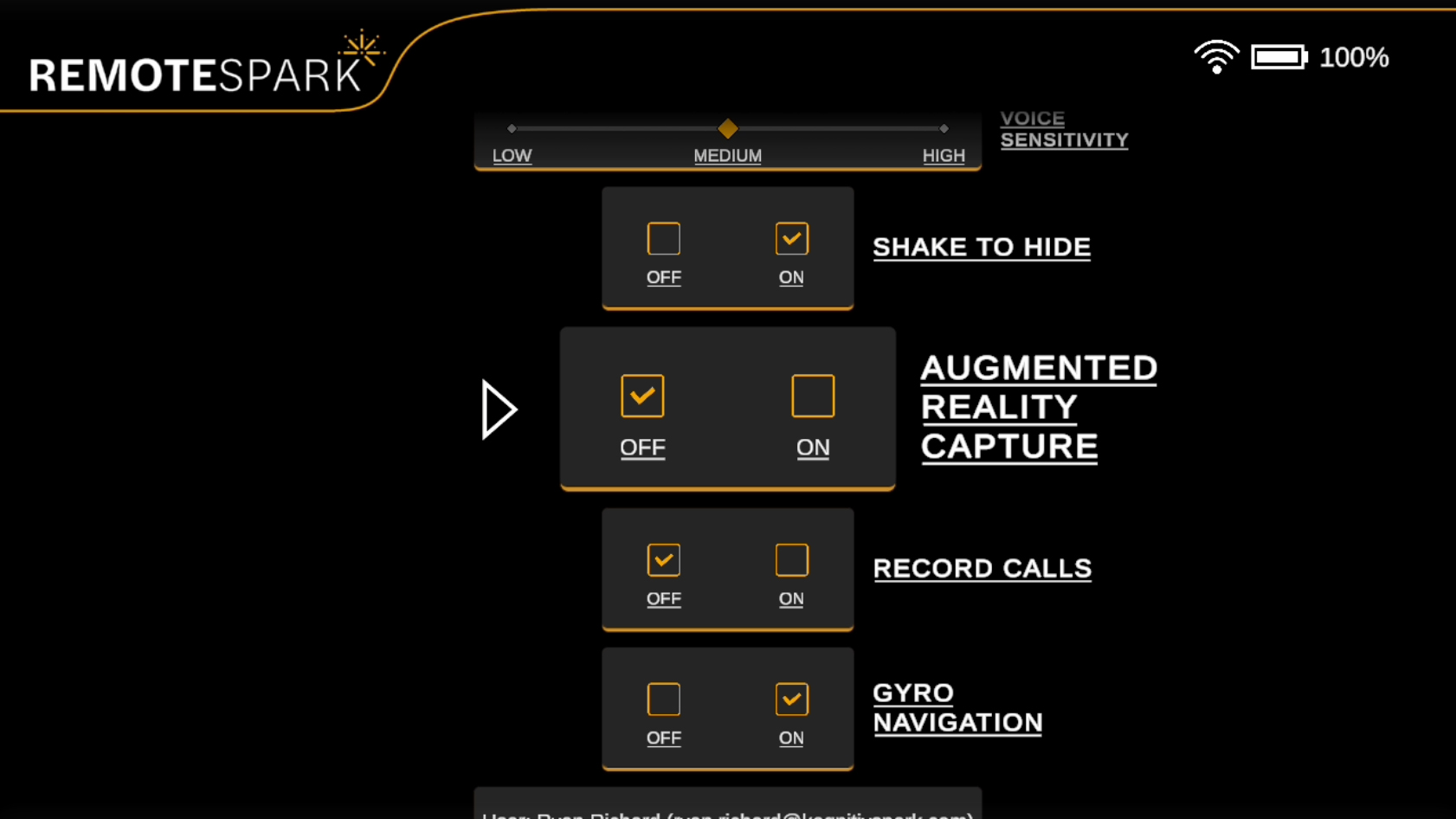 |
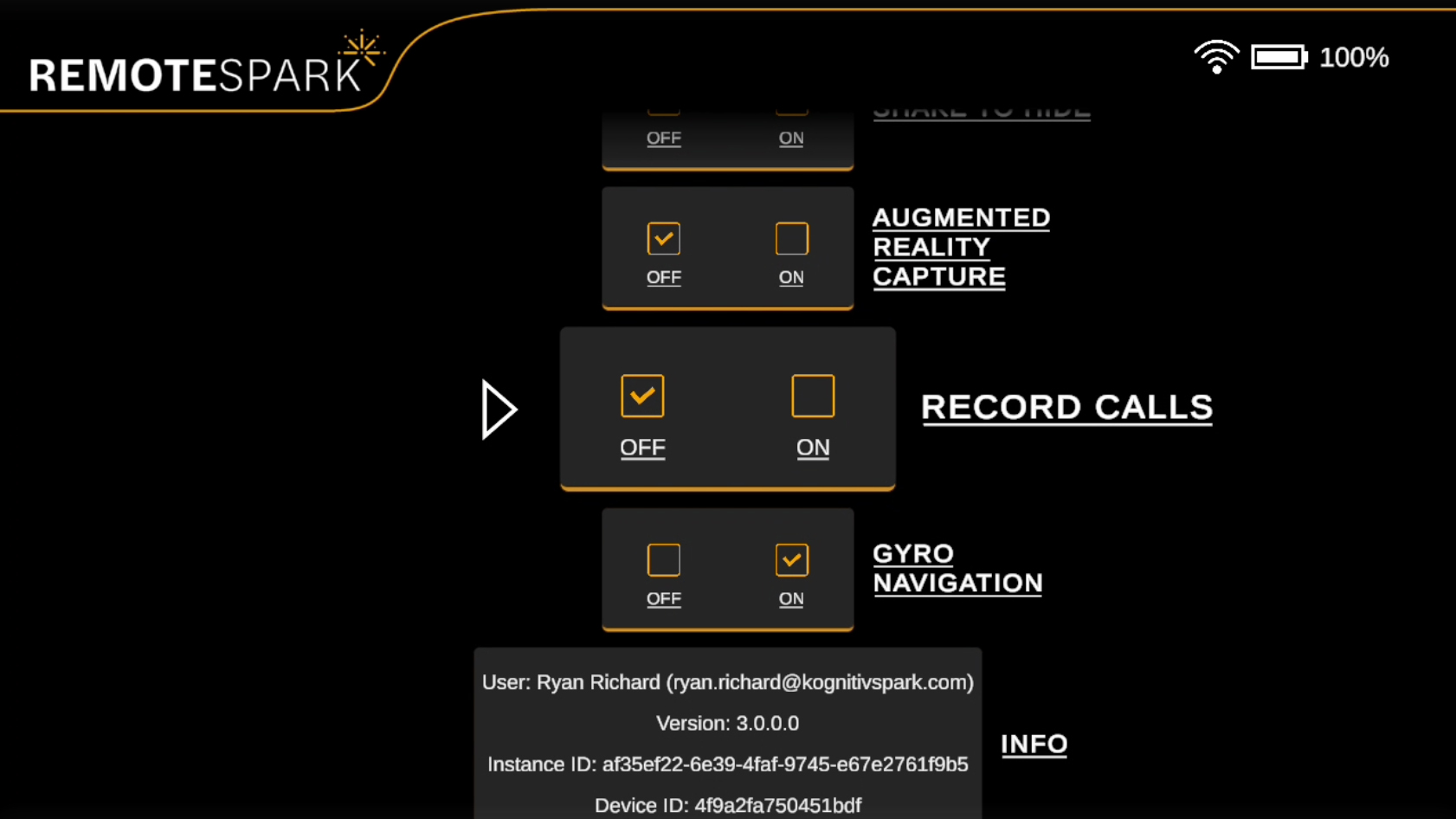 | Record Calls: This option toggled on will always record calls. When the option is off there will be a pop-up that asks if the user would like the call recorded as the user is connecting to the call. |
| Gyro Navigation: Allows the ability to toggle gyro navigation on or off. Only useable on devices with gyro capabilities. | 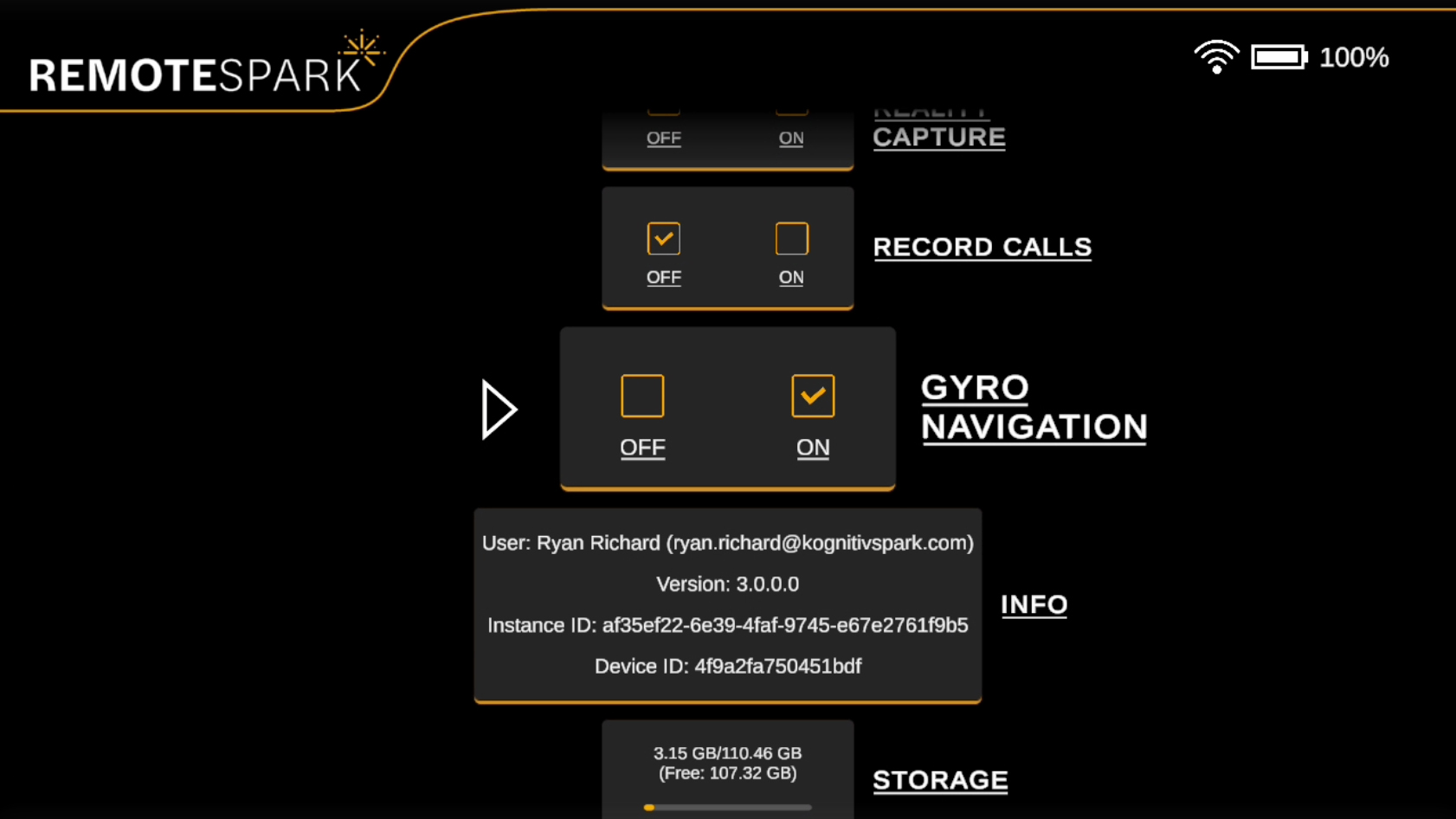 |
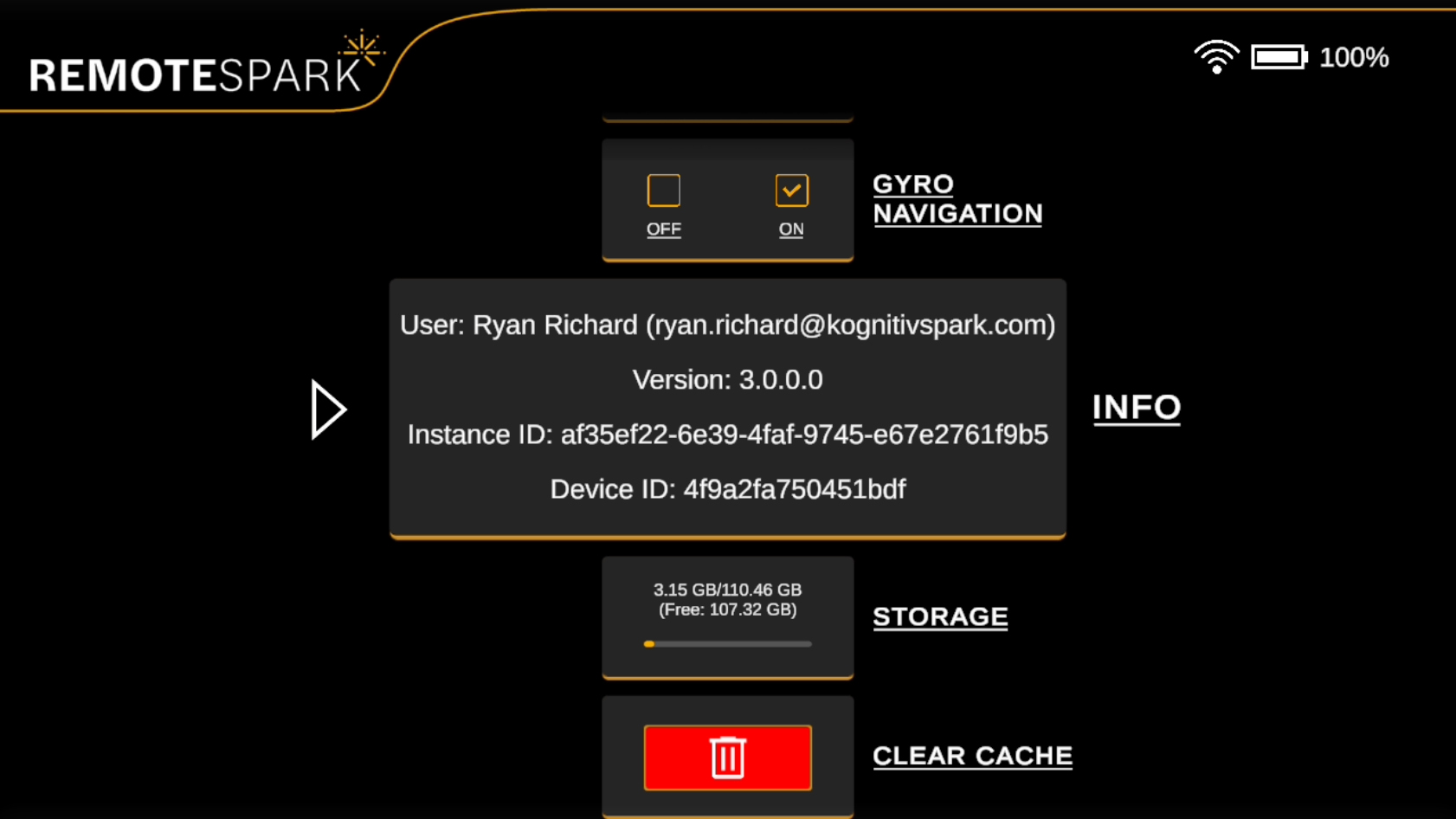 | Info Panel: Displays useful information such as the current user, version number, instance ID, and device ID. |
| Storage: shows the device storage capacity. | 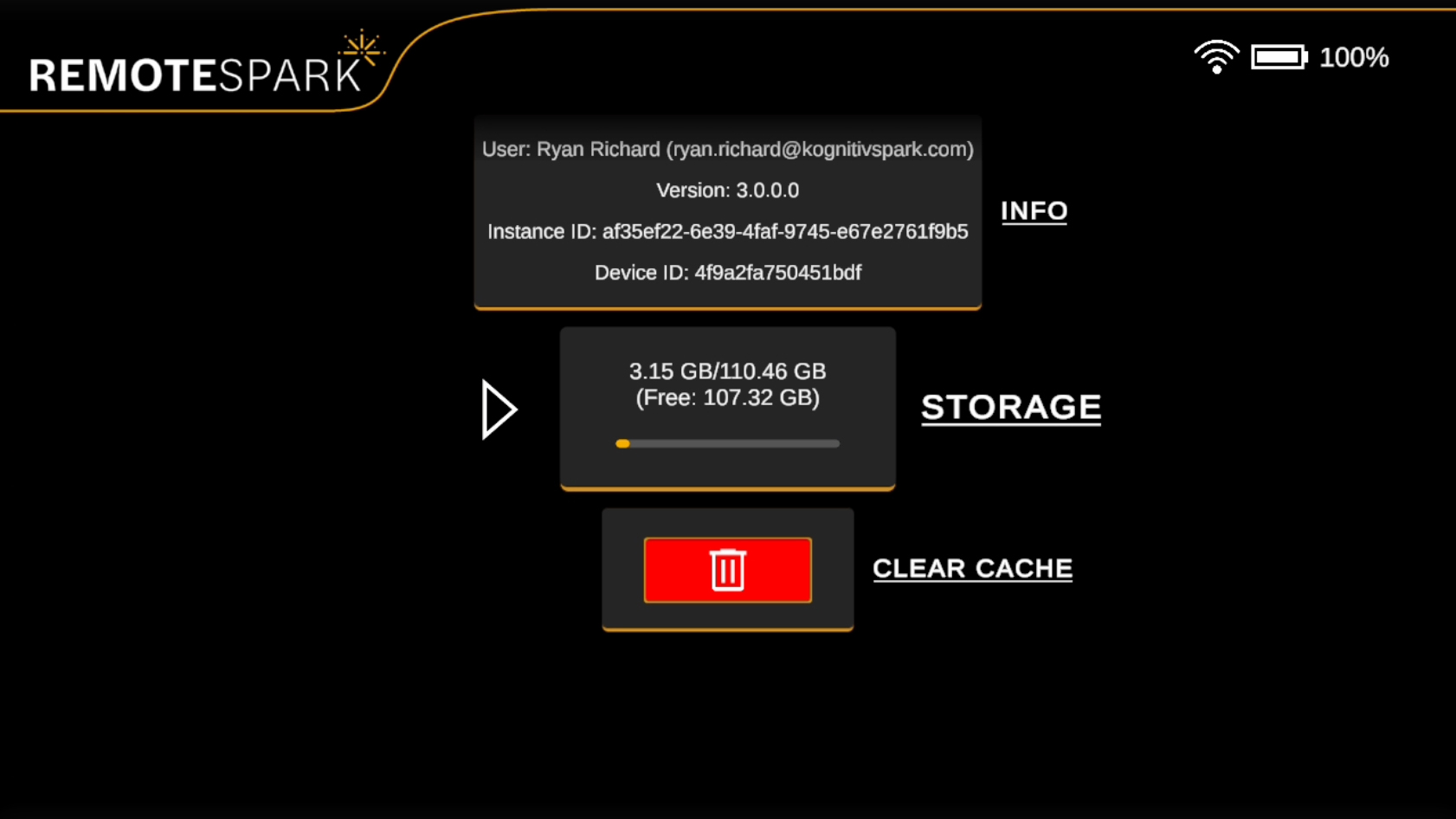 |
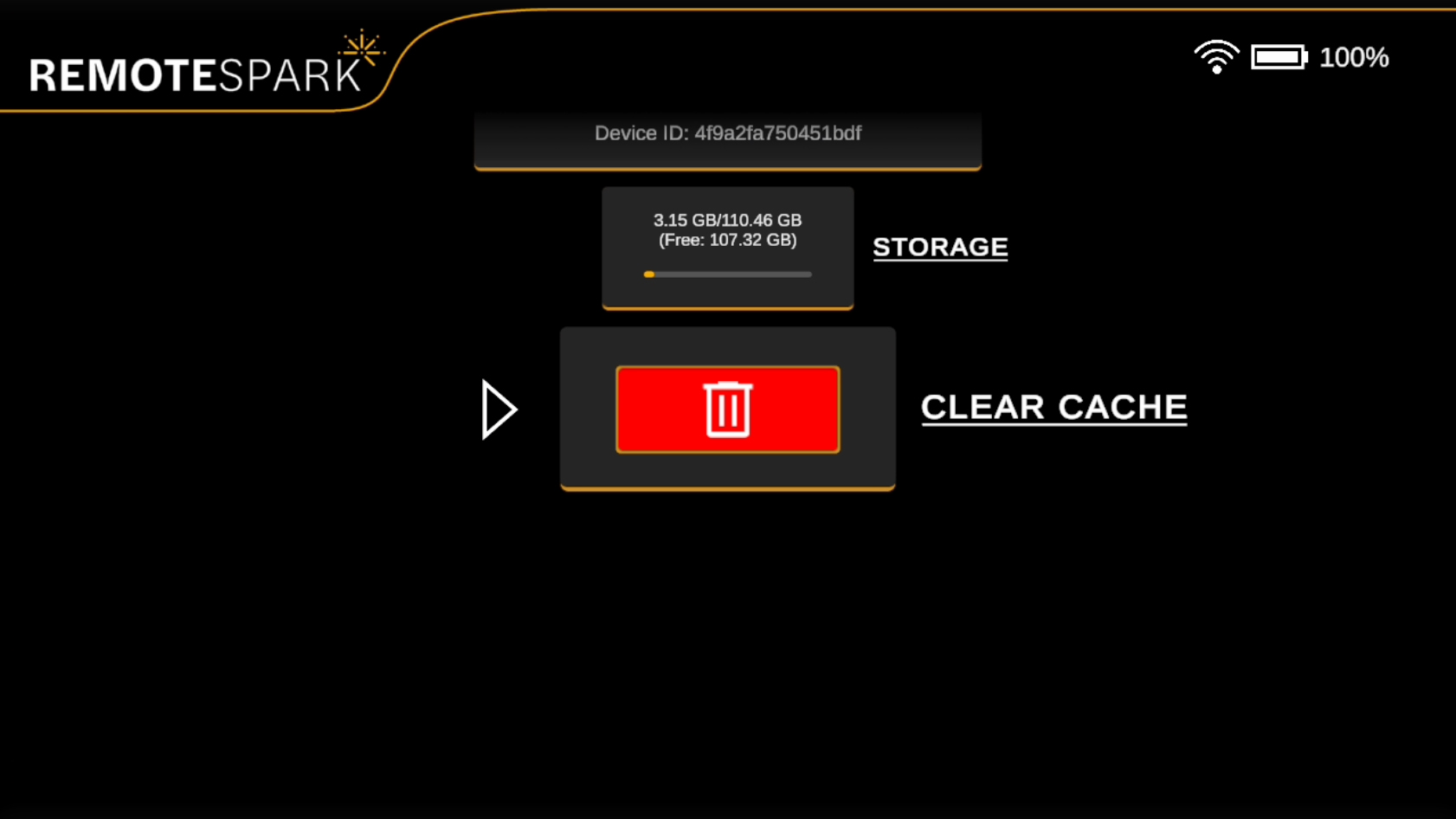 | Select the last option to Clear the device Cache. |
Was this article helpful?
That’s Great!
Thank you for your feedback
Sorry! We couldn't be helpful
Thank you for your feedback
Feedback sent
We appreciate your effort and will try to fix the article