Contacts | RS 2D
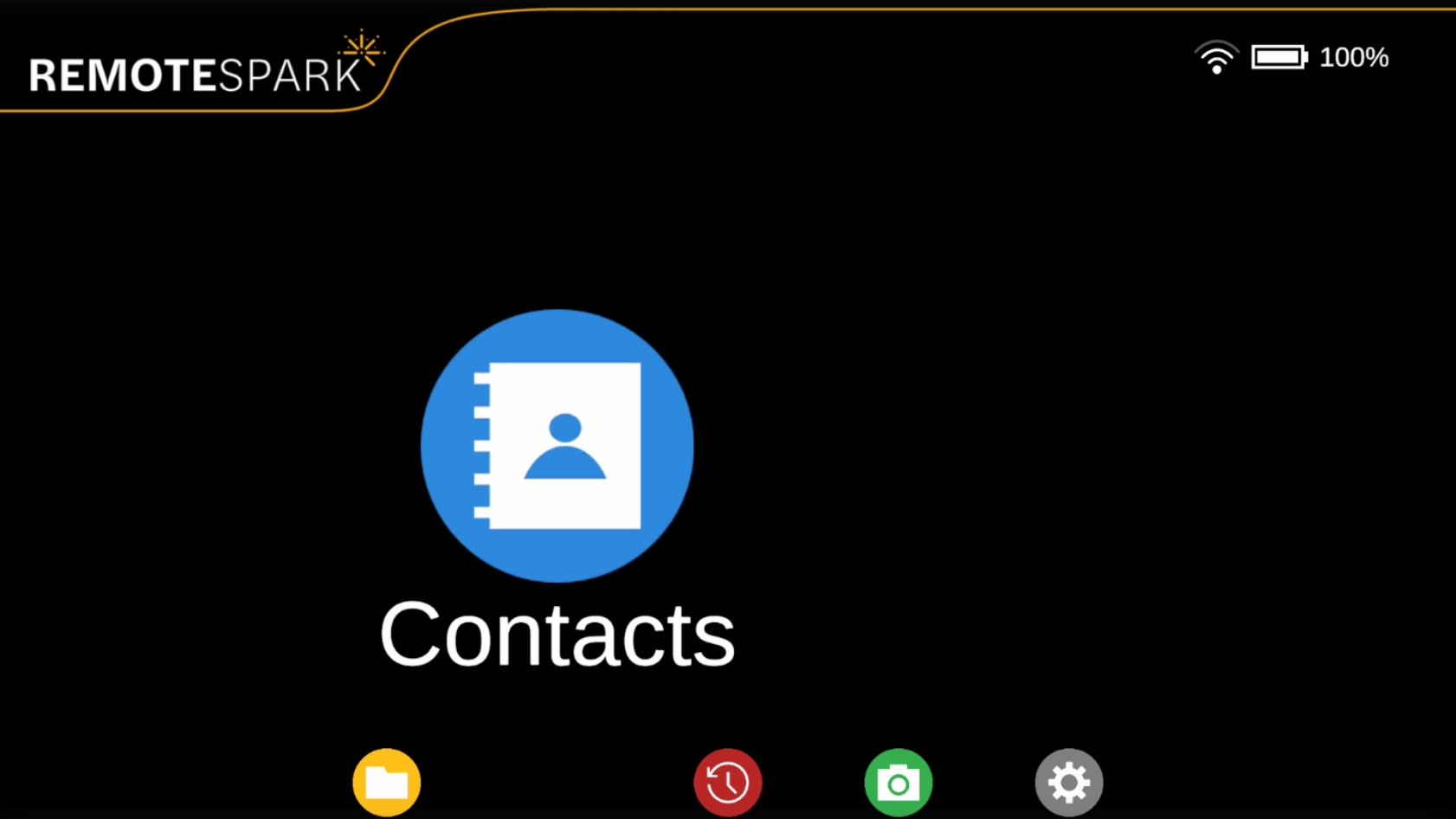 | The second option on the home menu is Contacts. |
| Selecting this option will display a list of your contacts, with online and pending contacts appearing at the top of the list. | 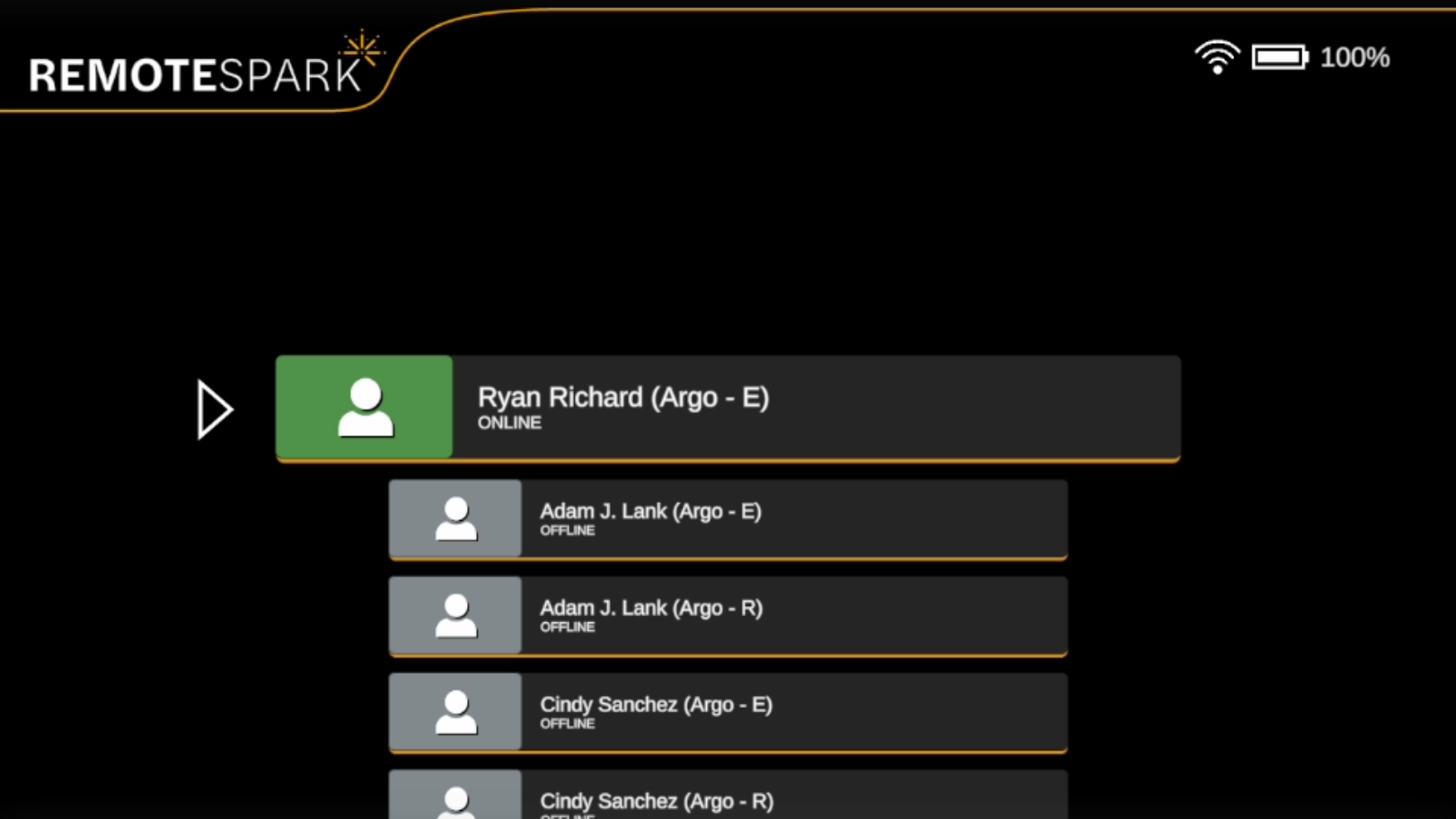 |
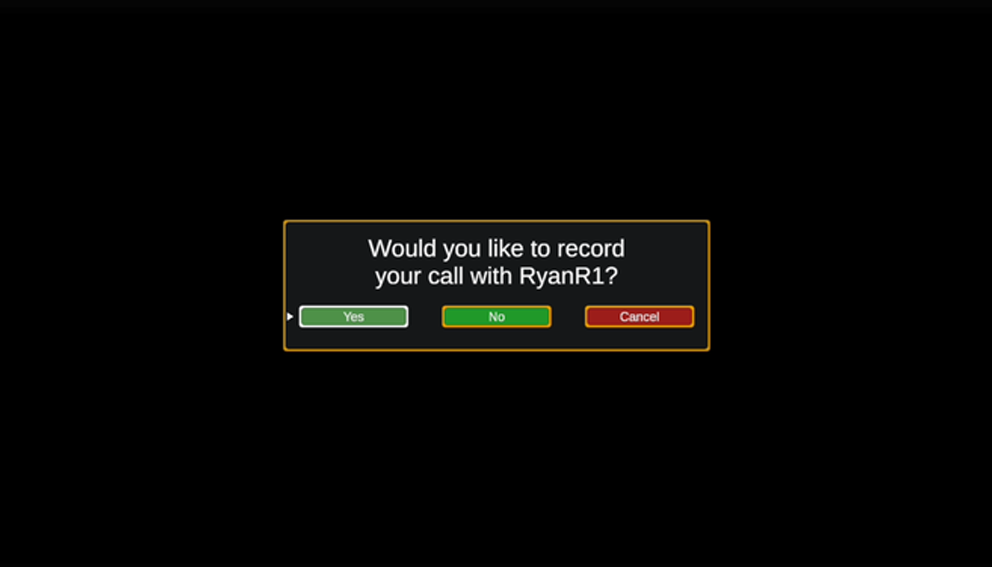 | To initiate a call, select an online contact. A pop-up will appear where the option to record the call can be initiated. Or simply cancel. If the setting is on where all calls are recorded, this pop up is simply an initiate call or cancel. |
| Once the call is established, the contact's information will appear at the top of the screen. Up to two contacts can be connected to the ARGO user simultaneously. | 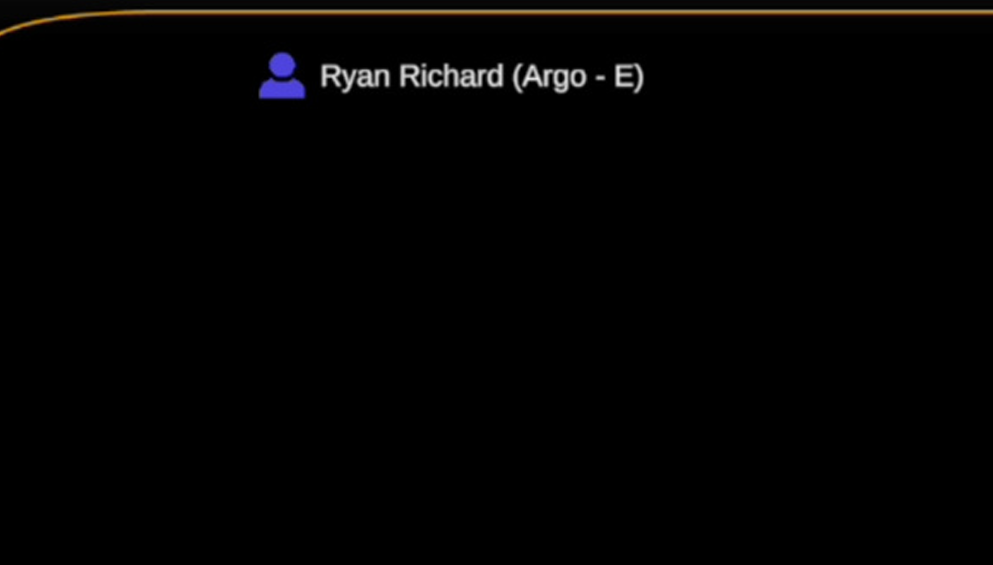 |
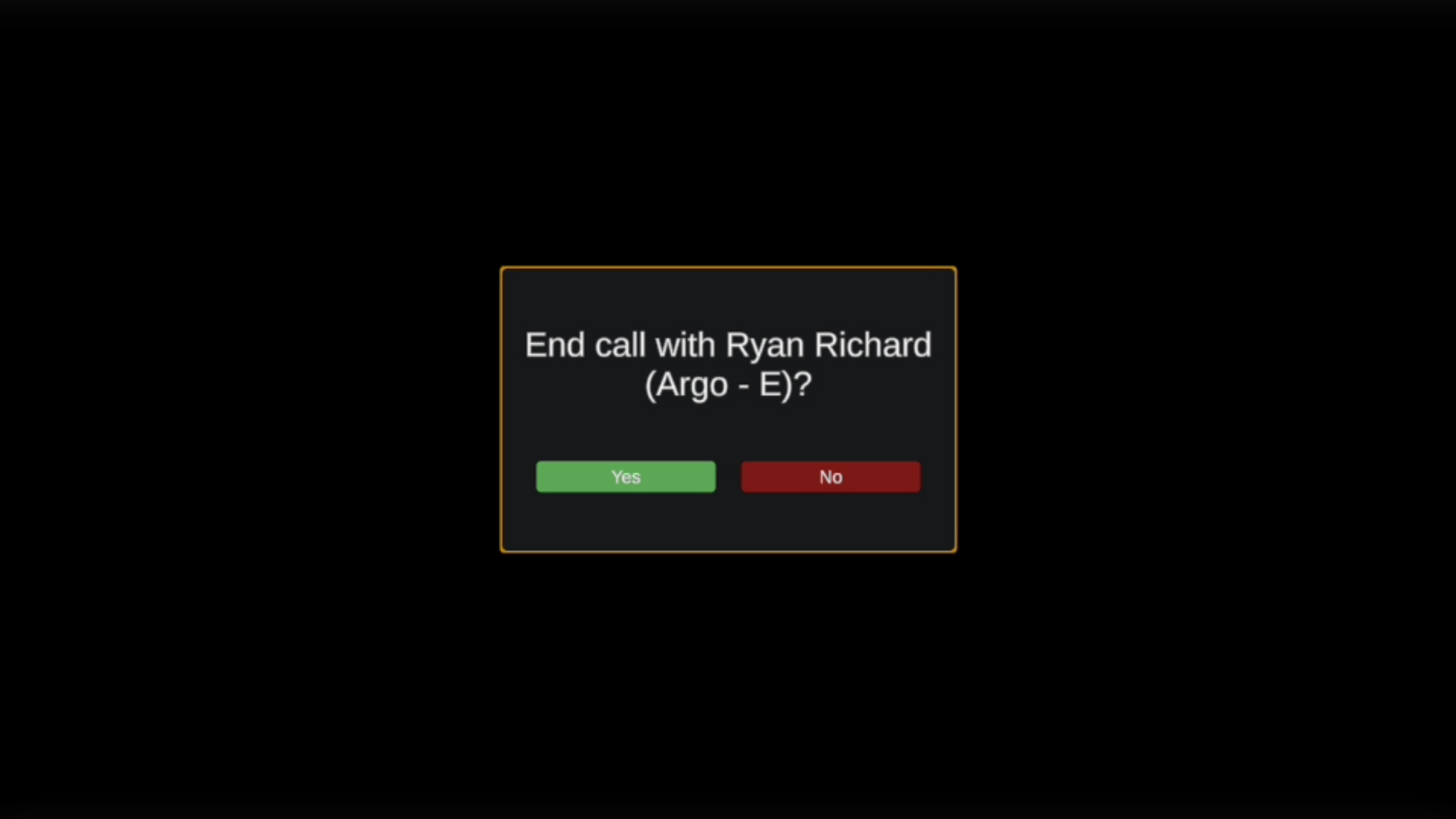 | During an active call, you can select the connected contact to disconnect the call. |
Was this article helpful?
That’s Great!
Thank you for your feedback
Sorry! We couldn't be helpful
Thank you for your feedback
Feedback sent
We appreciate your effort and will try to fix the article